QR Codes for Employee Onboarding: Streamlining First-Day Experience
Why QR Codes Elevate the First-Day Onboarding Journey
First days set the tone. When new hires juggle forms, logins, maps, and training portals, friction erodes excitement. QR codes in business solve this elegantly: a single scan delivers what matters, when it matters—Wi‑Fi details, ID verification, benefit guides, safety maps, welcome videos, or calendar links. As lightweight digital transformation tools, QR codes minimize paper, prevent dead links, and make information instantly actionable on mobile devices. Better yet, they reduce the cognitive load that often overwhelms newcomers, replacing scavenger hunts with a curated, one-scan flow. The result is faster setup, fewer support tickets, and a more confident, connected employee by lunchtime.
QR codes also bridge physical spaces with digital resources—a lesson long mastered in modern marketing strategies that now pays off inside the workplace. From signage at reception to desk placards and equipment labels, each scan can route to dynamic content that evolves without reprinting. For inspiration, see this comprehensive overview of QR-based onboarding use cases that span training, documentation, and quick-start guides: QR Codes for Employee Training and Onboarding: 12 Smart Uses. Thoughtfully deployed, QR codes create a guided, personalized Day One that feels seamless rather than scripted.
Essential QR Touchpoints on Day One
Secure Access and Check-In
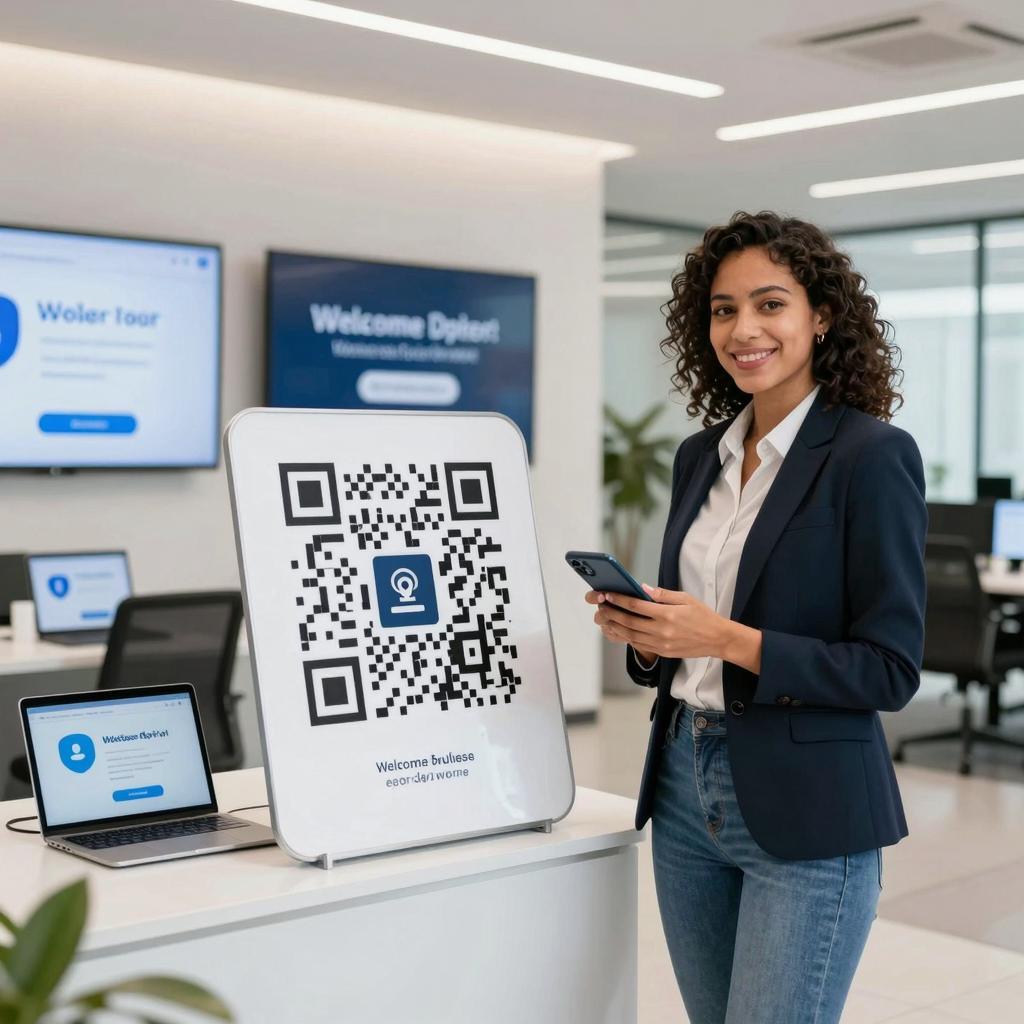
Replace clunky kiosks and paper badges with QR-based pre-registration and lobby check-in. Candidates and new hires can receive a secure, time-bound QR pass that unlocks elevators, guest Wi‑Fi, or meeting rooms. At the workstation, a desktop placard might link to a welcome checklist, IT tickets, and a personalized task sequence. You can also embed maps and micro-tours that reduce “Where is…?” questions. For tactical inspiration on high-impact placements, explore practical ways to use QR codes for onboarding and training, then adapt the examples to your security model, visitor flow, and facility layout.
Policy Acknowledgments and Compliance
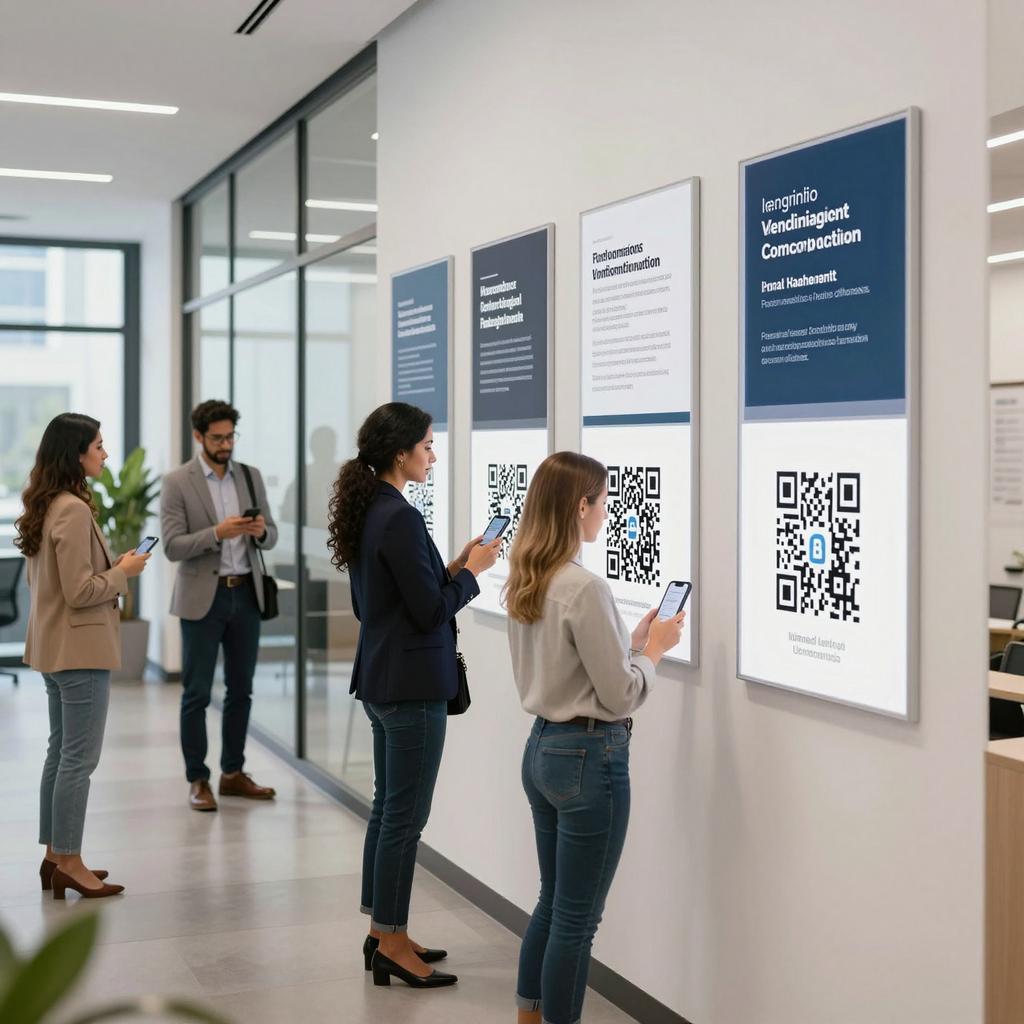
Compliance stalls momentum when employees must hunt for current versions. QR codes routed to a single source of truth keep everyone aligned. One scan opens the latest handbook, privacy notice, or safety briefing; electronic acknowledgment logs completion automatically. This also humanizes policy moments: pair documents with short videos from leaders explaining the “why.” For a people-first lens on tech-enabled onboarding, see HR Future’s take on human-centered onboarding with QR codes—a reminder that tools should serve connection, not just compliance.
Just-in-Time Learning and Micro-Tours
New hires don’t need a firehose; they need context at the point of use. QR codes affixed to devices, dashboards, or team hubs can unlock 90-second explainers, SOP checklists, or quick troubleshooting flows. This supports spaced learning and reduces shadowing time. Pair scans with role-based pages so engineers, sellers, and operators each get what’s relevant. For content structure ideas and measurement tips, review Bitly’s guide to QR codes for employee training—then build on it with your own microlearning library and analytics plan.
Implementation Best Practices and ROI
Governance, Privacy, and Accessibility
QR onboarding succeeds when it’s secure, inclusive, and maintainable. Use dynamic QR codes so content can update without reprinting; set role-based access and expiry windows for sensitive materials; and host content behind SSO where appropriate. Treat QR assets like any other digital transformation tools: version control, ownership, and lifecycle management. For accessibility, provide descriptive link text, high-contrast codes, and transcripts for video. Include alt text in your asset inventory, and offer non-QR fallbacks (short URLs or NFC) to ensure equitable access across devices and abilities.
Metrics That Matter
Track what leaders value and what new hires feel. Core metrics include time-to-productivity, completion rates for Day One tasks, IT ticket volume per new hire, policy acknowledgment cycle times, and manager time saved. On the cost side, tally printing reductions and rework avoided through dynamic updates. Use UTM-tagged, dynamic QR codes to compare scan-through and completion rates by location (lobby vs. desk), content type (video vs. guide), and role. A/B test sequences: does a welcome video before forms increase completion speed? Iterate monthly to align the onboarding journey with real behavior, not assumptions.
Conclusion: QR-enabled onboarding is a practical, high-ROI step in modernizing the employee experience—one that blends the agility of modern marketing strategies with the rigor HR and IT require. Start small: map the first hour, the first day, and the first week, and assign a QR touchpoint to each critical moment. Govern it like any enterprise platform, measure it like a growth program, and keep people at the center. Done right, QR codes in business don’t just digitize onboarding—they transform it into a confident, connected launchpad for every new hire.