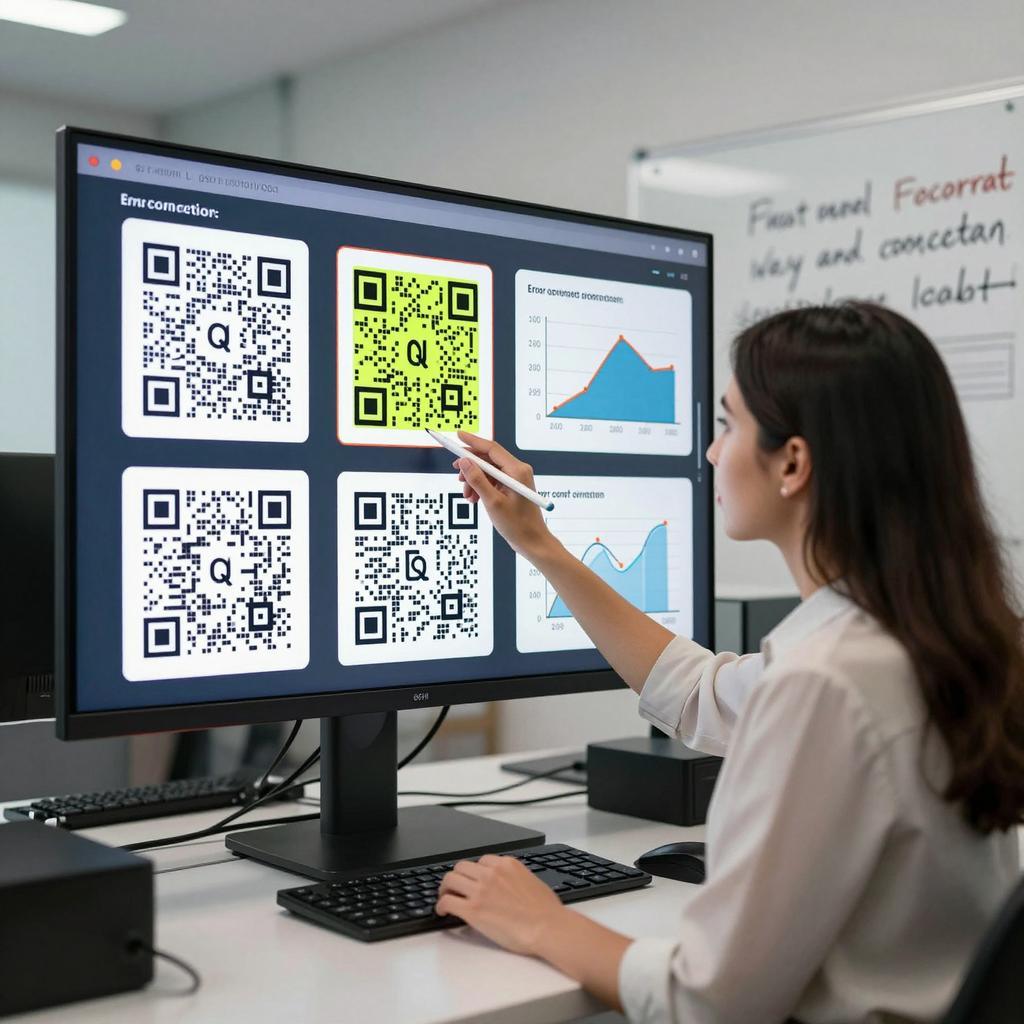
QR Code Error Correction Levels: Choosing the Right Balance
QR codes are everywhere in modern marketing strategies, from storefront decals to TV spots and packaging. Yet the unsung hero behind reliable scans is error correction: the built-in redundancy that lets a code remain scannable even when scratched, smudged, or partially obscured. For teams focused on QR codes in business and broader digital transformation tools, choosing the right error correction level (L, M, Q, or H) is a practical lever that affects campaign reach, print costs, and user experience. Here’s how to strike the right balance for performance, design, and ROI.
What Error Correction in QR Codes Actually Does
Error correction works by adding redundant data to a QR code so scanners can reconstruct missing or damaged bits. In practice, this is standardized into four levels: L (~7% recovery), M (~15%), Q (~25%), and H (~30%). Higher levels improve resilience but add more modules (squares), which impacts size and readability. For foundational details, see Denso Wave’s official explanation of QR Code error correction: Denso Wave’s official error correction overview. Understanding these trade-offs upfront helps marketing, packaging, and print teams choose fit-for-purpose settings instead of defaulting blindly.
The Trade-Off Between Resilience and Capacity
More redundancy means more data to print, which either enlarges the physical code or reduces available capacity for the content you encode. At small sizes or long scan distances, higher error correction can make modules too dense for some cameras to resolve, especially under glare or low light. Conversely, too little redundancy risks scan failures on real-world materials. The key is balancing code size, data density, and expected wear: a high-gloss brochure in a clean environment can tolerate lower levels, whereas a shipping label that gets scuffed and handled benefits from higher resilience.
Environment-Driven Selection
Match error correction to the realities of where and how people scan. L is often adequate for pristine, on-screen use in apps and kiosks where damage is minimal. M is a solid default for flyers, in-store signage, and direct mail that sees light handling. Q gives reliable headroom for packaging that faces condensation, abrasion, or folding. H is best for outdoor posters, industrial settings, or scenarios where users might partially cover the code with fingers or where vandalism is possible. Grounding your choice in context prevents over-engineering and keeps QR code sizes manageable without sacrificing reliability.
Choosing the Right Level for Modern Marketing Strategies
For acquisition campaigns and omnichannel journeys, aim for M when print quality and lighting are predictable, and move to Q for bus shelters, event badges, and handouts that get bent or dirty. Use H for rugged, high-traffic placements and for designs with heavy branding elements near the code. If you operate in retail or consumer goods, review industry guidance like GS1’s guidance on QR Code error correction for retail and packaging to align with supply chain realities. In all cases, dynamic QR codes and link shorteners reduce data payloads, preserving scannability and enabling analytics that inform continuous optimization.
Testing Matrix and KPIs
Validate your selection with controlled tests before scaling. Print at intended sizes and materials; vary lighting, distance, and angles; and test across a range of mid-tier and older smartphones. Simulate damage (creases, smudges, partial occlusion) to emulate real conditions. Track scan-through rate (successful scans divided by total attempts), time-to-scan, and abandonment. If scan-through drops or time-to-scan rises in harsher conditions, ratchet up error correction or simplify the payload. Treat this like any performance optimization in digital transformation tools: set thresholds, monitor field results, and iterate.
Design and Branding Considerations
Design choices can negate or amplify the benefits of error correction. Maintain a generous quiet zone (clear margin), ensure high contrast (dark modules on a light background), and avoid overly glossy finishes where glare is common. If you add a logo, keep it small and ensure data isn’t obscured; compensate by using Q or H and by trimming the encoded data (e.g., short URLs). Resist overly intricate color palettes or inverted schemes unless tested thoroughly. When in doubt, consult authoritative specs and recommendations like those from Denso Wave and GS1, and validate your creative in the same environments where customers will scan.
Implementation Checklist and Conclusion
To operationalize: minimize data with short, trackable URLs; pick a starting level (M for typical print, Q for tougher use, H for harsh conditions); size the code generously for expected scan distance; proof on final materials; stress-test; then monitor analytics to refine. The big takeaway: choose error correction based on real-world context, not guesswork. That balance—right-sized redundancy plus thoughtful design—turns QR codes in business into dependable, high-converting touchpoints within modern marketing strategies, ensuring your campaigns scan fast, scan often, and keep customers moving.