Mobile App vs. Browser QR Scanning: Choosing the Right Approach
Why This Choice Matters for Modern Marketing Strategies
What QR Scanning Really Does
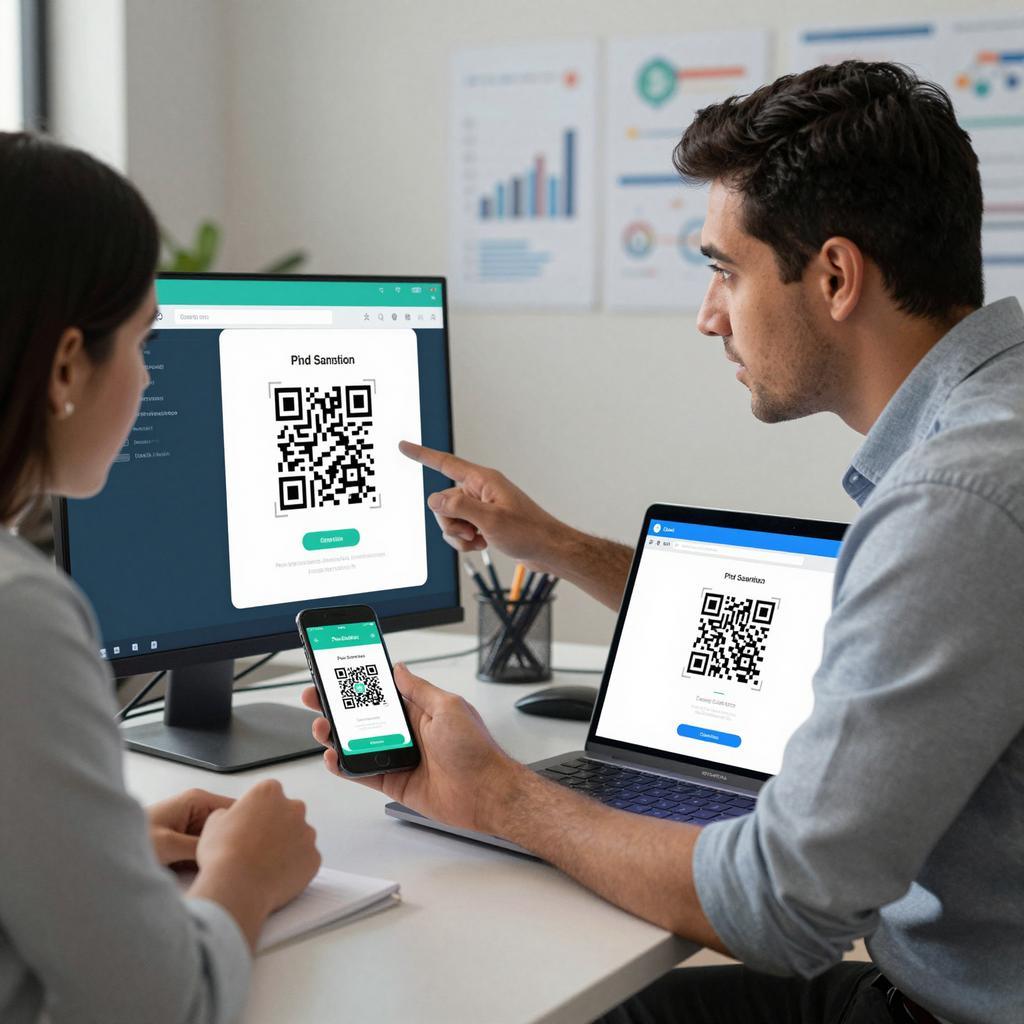
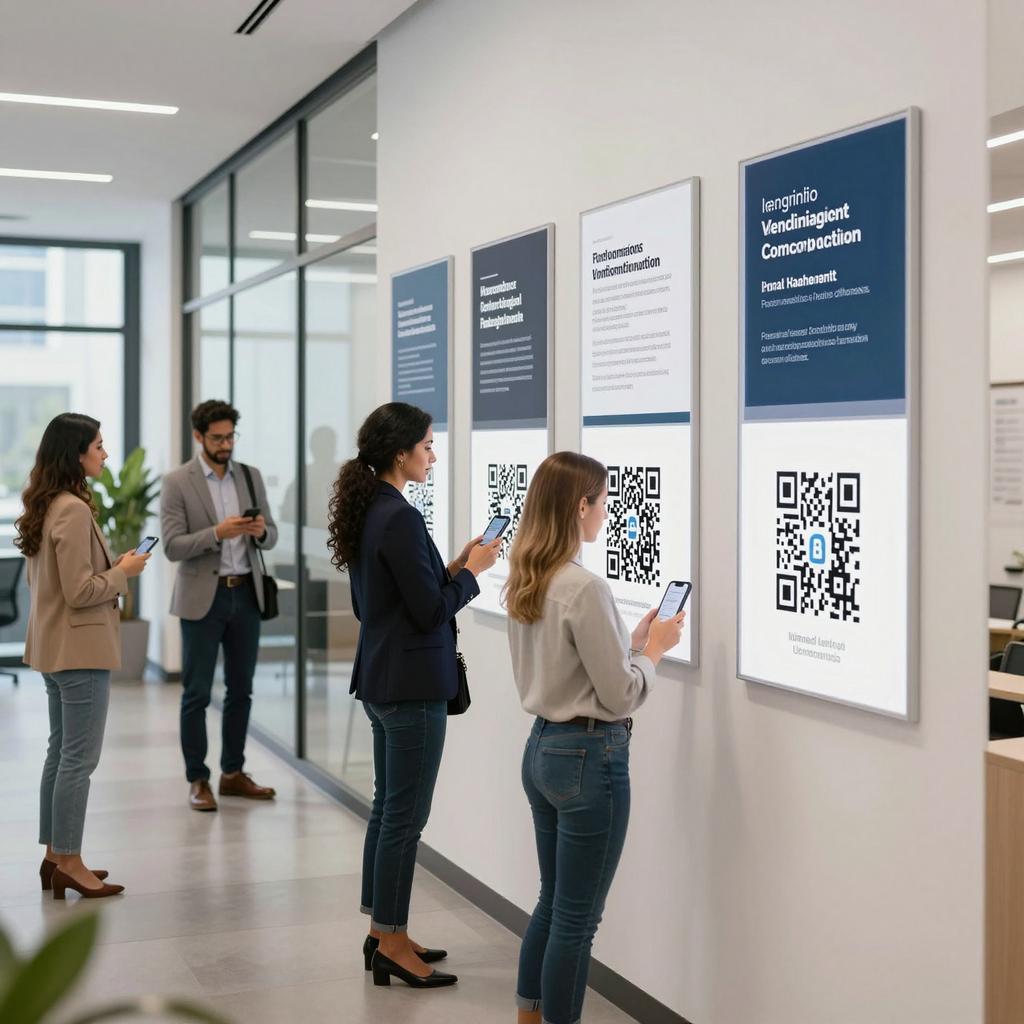
QR codes in business have become a reliable bridge between physical touchpoints and digital experiences, powering modern marketing strategies, product onboarding, loyalty programs, and field operations. Choosing between a dedicated mobile app or a browser-based scanner isn’t just a technical decision—it’s a strategic call that affects conversion rates, data quality, operational efficiency, and how smoothly your broader digital transformation tools fit together.
At its core, scanning is about capturing camera frames, detecting a code, decoding its payload, and launching an action (like opening a URL, deep-linking into an app, or writing to a local data store). Both the web and native stacks can do this, but differences in camera access, performance, offline capabilities, and governance controls shape which approach best supports your business goals.
Browser-Based Scanning: Strengths and Limits
Frictionless Reach and Lower Total Cost
When the primary objective is reach and speed—think pop-up campaigns, print media, or microsites—the browser wins on convenience. There’s no app to install, which reduces drop-off and accelerates time-to-value. For many consumer-facing modern marketing strategies, a web-first QR flow can turn curiosity into clicks with minimal friction while keeping your stack lightweight and easy to iterate.
Modern Browser Capabilities Are Real—and Improving
Contemporary browsers expose camera access and on-device decoding via the MDN Barcode Detection API, with Chrome leading support through the Shape Detection family. Google’s documentation details feature availability, permissions, and fallbacks in its Chrome Developers guidance on the Shape Detection and Barcode Detection APIs. With proper feature detection, progressive enhancement, and careful UX (e.g., permission prompts and camera switching), web scanners can deliver solid results for many marketing and light operational scenarios.
Where the Browser Still Struggles
Browser-based scanning can stumble in low light, on glossy packaging, with small or damaged codes, or when you need continuous, high-throughput scanning. Device variability (sensor quality, autofocus behavior, and processing power) adds unpredictability; so do network constraints if your workflow depends on live APIs. Advanced needs—batch scans, multi-code frames, custom haptics, or tight hardware integrations (like dedicated triggers)—are often beyond the web’s current reach and can erode reliability where operational SLAs matter.
Native Mobile Apps: When They Win
Performance, UX, and Offline Reliability
Native apps excel when scanning is mission-critical. Direct camera control, fine-grained autofocus, and GPU-accelerated pipelines support fast, steady decoding—even with challenging codes. iOS and Android SDKs enable continuous scanning, on-device validation, and offline queues for spotty environments. For example, Apple’s camera and metadata APIs power robust detection paths; see Apple’s AVFoundation barcode metadata documentation for QR and other symbologies. If your teams need batch modes, kiosk flows, or deep integration with device capabilities, native stacks deliver headroom the web can’t yet match.
Security, Trust, and Governance
Security requirements can tip the scale. Managed devices, role-based access, and mobile app attestation help ensure that only trusted users scan and act on sensitive payloads. You can constrain what URLs are opened, enforce SSO, and validate signed QR content before taking action. Public education also matters: social engineering and code tampering are real risks—see CISA’s guidance on using QR codes safely. While the browser can sandbox risky behavior, native apps can implement stricter guardrails aligned with your compliance posture.
Decision Framework: Choose the Right Tool
Use-Case Checklist for QR Codes in Business
If your primary KPI is rapid audience reach with minimal friction, and your scanning happens in typical conditions, browser-based scanning is an excellent choice that complements agile digital transformation tools. If your workflows demand speed, reliability in tough environments, offline resilience, or enterprise governance, a native app will pay dividends in performance and control. Many organizations succeed with a hybrid approach: default to the browser for broad campaigns, then steer power users to an app for advanced capabilities. The takeaway is simple and actionable—match the scanning approach to the job, and your QR investments will compound into stronger customer journeys and more dependable operations.