QR Code Scanning Reliability: Optimization for Real-World Conditions
Why Scanning Reliability Matters in the Wild
QR codes in business live or die by scan success. In-store signage, product packaging, event check-ins, and field service workflows all depend on a snappy, first-try decode. Every second of friction erodes conversion, undermining modern marketing strategies and the broader promise of digital transformation tools. The goal isn’t just that a code can be scanned—it’s that it scans fast, from imperfect angles, on older phones, under mixed lighting, with messy backgrounds, and by hurried users.
Environment and Lighting Constraints
Real-world lighting is rarely ideal. Glare from glossy labels, low-light bars and concert venues, and backlit windows can crush symbol contrast. Favor high-contrast palettes (near-black on matte white), preserve a generous quiet zone, avoid transparent overlays, and test under representative lux levels. For outdoor or metallic surfaces, increase module size and consider a white underlay to stabilize contrast; for screens, boost on-screen brightness and ensure the code isn’t overlaid by UI elements or animations that introduce motion blur.
Motion, Angle, and Distance
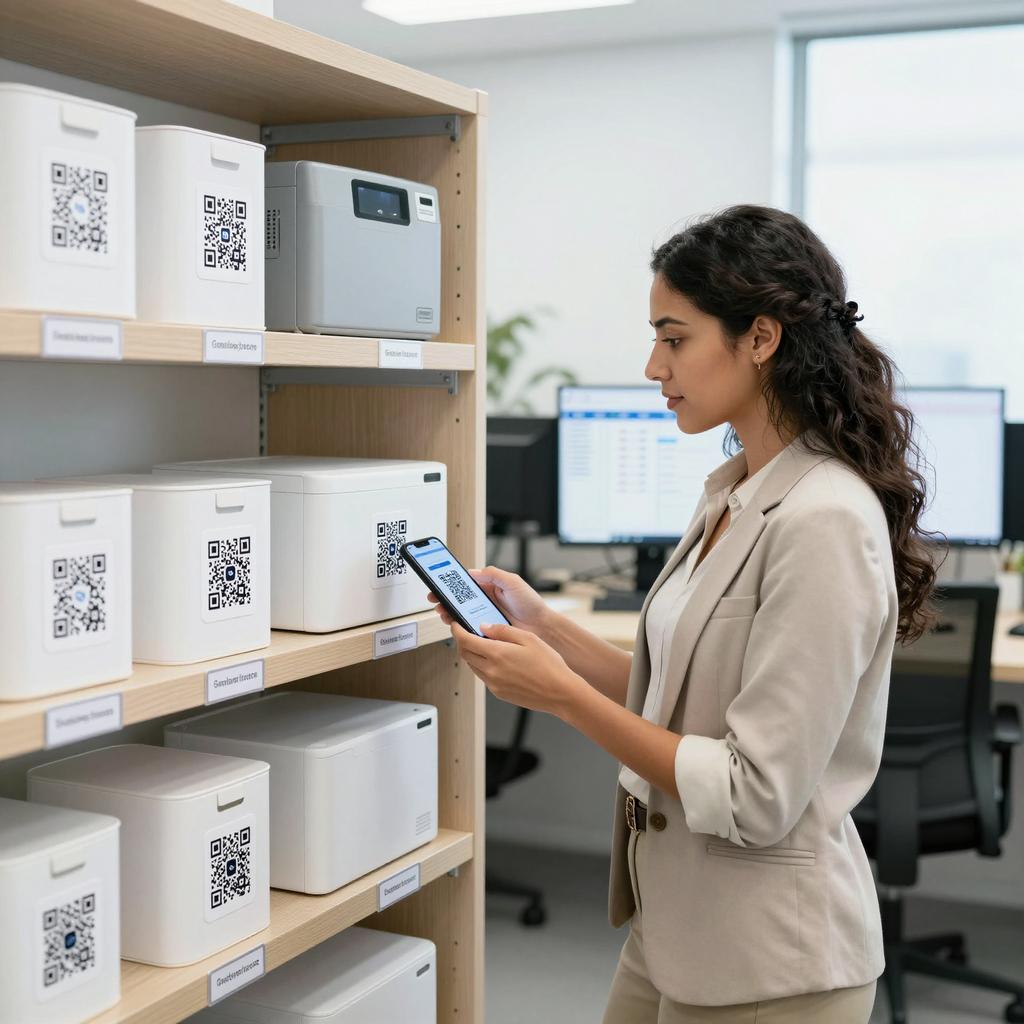
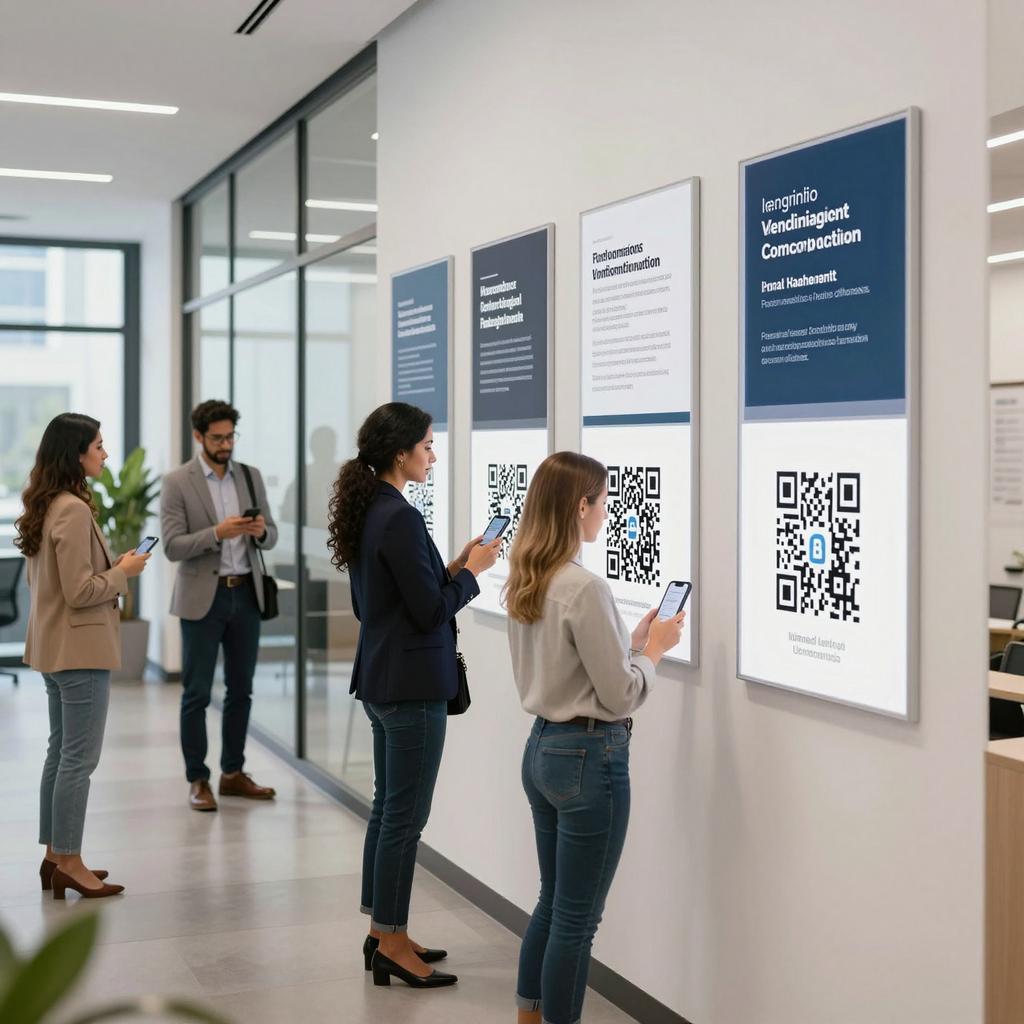
People scan while walking, holding drinks, or wearing gloves—so assume hand shake and oblique angles. Use larger codes when the expected distance increases and avoid placements that force severe tilt (e.g., low shelves). As a working baseline, ensure modules resolve to multiple pixels at scan distance; many mobile libraries perform best when each QR module spans at least 2–4 pixels. Keep codes within natural reach and line of sight; pair placement with a brief call-to-action and a small usage hint (e.g., “Open camera to scan”).
Designing Scannable Codes from Day One
Start with the symbology fundamentals. QR version, data density, and error correction level (L/M/Q/H) directly affect decodability. Higher error correction hardens against damage and dirt but increases symbol size; choose the smallest version that preserves a readable module size in your context. Adhere to the baseline quiet zone (at least four modules) and avoid “artistic” edits that disturb finder or timing patterns. For authoritative definitions and best practices, consult the ISO/IEC 18004:2024 QR Code symbology standard at ISO/IEC 18004:2024 QR Code symbology standard.
Print Quality and Verification Standards
Printer choice, substrates, and ink spread can make or break scan rates. Establish a verification workflow (distinct from functional testing) to grade symbol contrast, defects, and modulation across production runs. While specialized verification tools follow ISO-based grading, you can catch most issues early by controlling contrast, using matte finishes, and auditing quiet zones. For placement and print considerations that reduce scanning errors at retail, see GS1 US barcode placement and print guidance; many principles translate directly to QR code reliability in busy environments.
Content Strategy and Error Tolerance
Shorter payloads scan faster and allow smaller versions—so prefer short, branded URLs or dynamic redirects over long query strings. Keep campaign parameters on the server side where possible; if you must embed UTM tags, use a link shortener first. Build resilience with fallbacks: legible short URLs near the code, reachable landing pages that load quickly on cellular, and clear messaging that sets user expectations. For physical deployments, consider redundant signage or secondary entry points for accessibility.
Optimizing Mobile Apps and Cameras for Faster Scans
When you control the scanning app, performance gains are substantial. Enable continuous autofocus and exposure, throttle analysis frames to balance CPU and responsiveness, and stabilize detection with bounding-box guidance and haptic feedback. On Android and iOS, modern libraries handle multiple symbologies, rotation, and on-device decoding; see the official Google ML Kit barcode scanning documentation and Apple’s Vision VNDetectBarcodesRequest. Test across older devices, low-end cameras, and noisy scenes; prioritize fast positive feedback and gentle retries over aggressive, battery-draining processing.