QR Codes for Managing Inventory and Office Equipment
Why QR Codes Are the Smart Choice for Inventory and Office Equipment
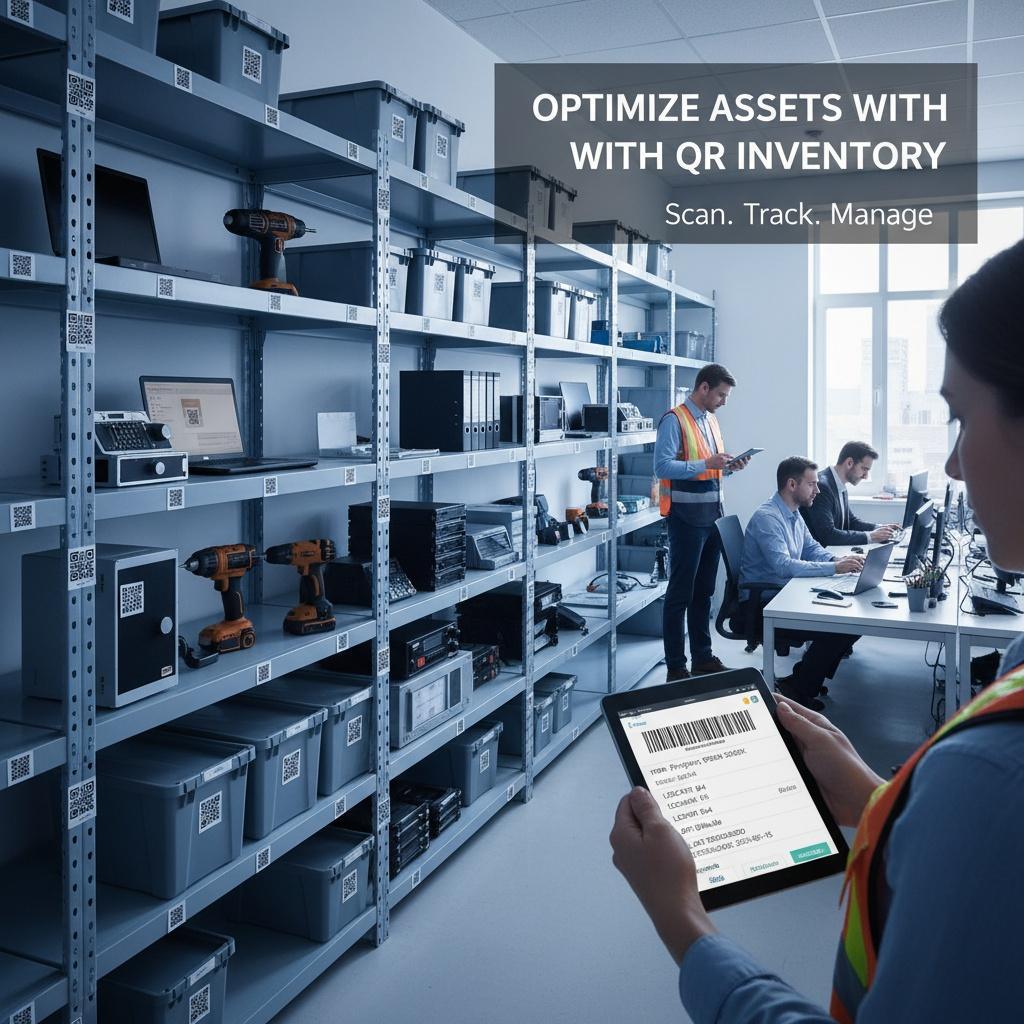
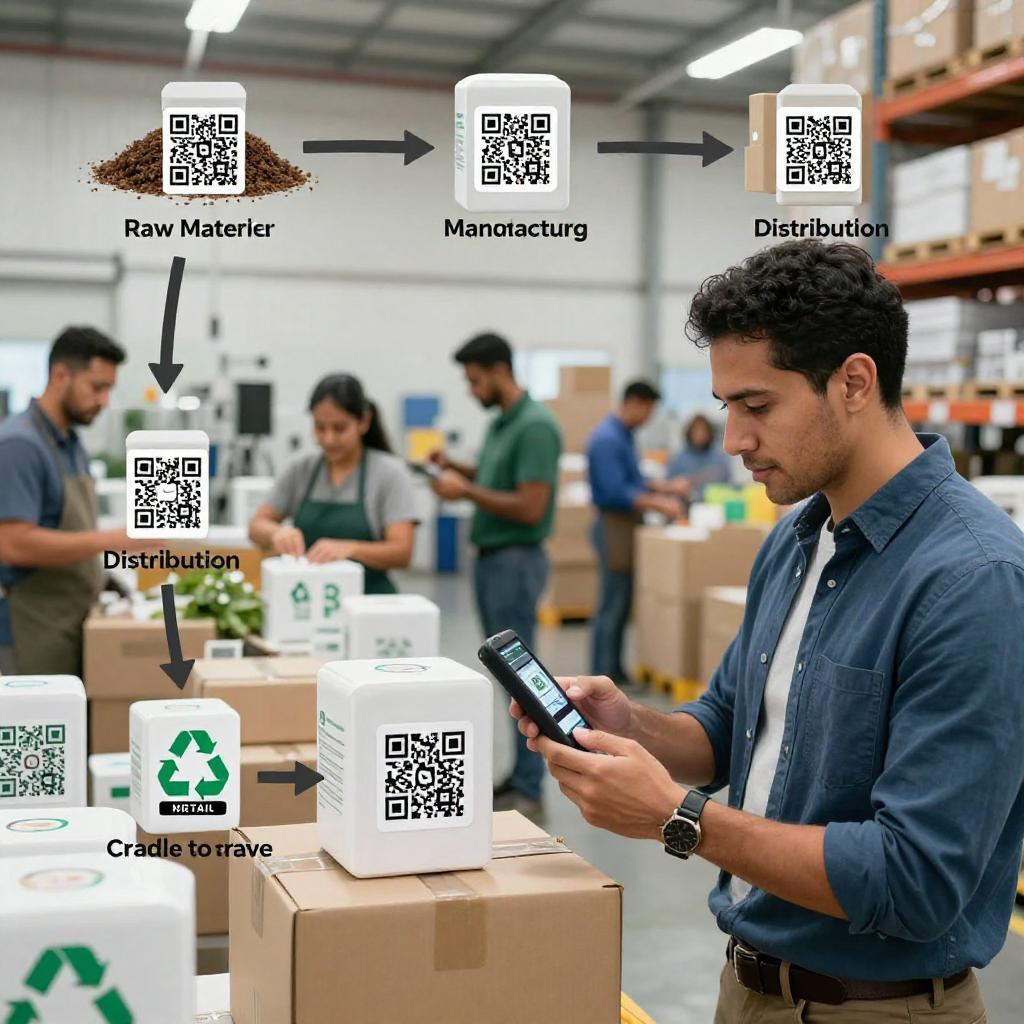
QR codes in business deliver a rare combination of low cost, high reliability, and instant usability. For inventory and office equipment, they shorten the distance between a physical asset and its digital record—no expensive scanners or proprietary tags required. When paired with cloud apps, they become powerful digital transformation tools: employees scan to view maintenance history, request service, update custody, or check stock levels in seconds. The result is fewer manual errors, faster audits, and cleaner data that fuels smarter decisions.
How to Implement QR-Based Asset Tracking Without the Headaches
Define the data model and labeling strategy
Start with a consistent schema: a unique asset ID, location, owner/department, lifecycle state (in-service, spare, retired), and a URL or deep link to the system of record. Ensure your codes comply with the underlying symbology rules described in the official ISO/IEC 18004 QR Code symbology specification. Choose durable, tamper-evident labels for harsh environments, and standardize placement (e.g., front-left near power button) so technicians know exactly where to scan.
Choose scanning and software workflows that fit your stack
Leverage mobile devices you already manage with MDM and connect scanning to the tools your teams use daily. For Microsoft-centric environments, follow Microsoft Learn guidance on the barcode reader control in Power Apps to build fast, offline-capable apps for asset intake, assignment, and audits. Keep the UI simple: scan, confirm, submit. Add role-based views so facilities, IT, and finance each see the fields they need without clutter.
Integrate with inventory, maintenance, and analytics
Link scans to your CMMS/ITAM/ERP so every interaction updates a single source of truth. Use web-enabled codes to route users to context-aware pages—e.g., a maintenance checklist if the scanner is a technician, or a quick-start guide if the scanner is an end user. Track mean time to repair, audit cycle duration, and stockouts; then feed these KPIs into dashboards to prioritize replenishment, retire underused assets, and forecast budgets.
Governance, Standards, and Security You Shouldn’t Ignore
Adopting a standard like GS1 Digital Link for Brands helps future-proof your QR strategy by making codes web-native and interoperable across suppliers, locations, and devices. GS1 Digital Link can also encode batch/lot, expiration, and other attributes that boost traceability, simplify recalls, and tighten inventory visibility—capabilities that matter as you scale to multiple sites and vendors.
Security and lifecycle control are essential. NIST’s practical blueprint in NIST Special Publication 1800-5 on IT Asset Management outlines processes to discover, track, and secure IT assets end-to-end. Combine role-based access, audit logs, and signed-in scanning with physical safeguards (e.g., tamper-evident labels) to deter code swapping. Use HTTPS deep links, enforce MFA, and avoid embedding sensitive data in the code itself—store that server-side.
From Back Office to Front Office: Marketing and Employee Experience Gains
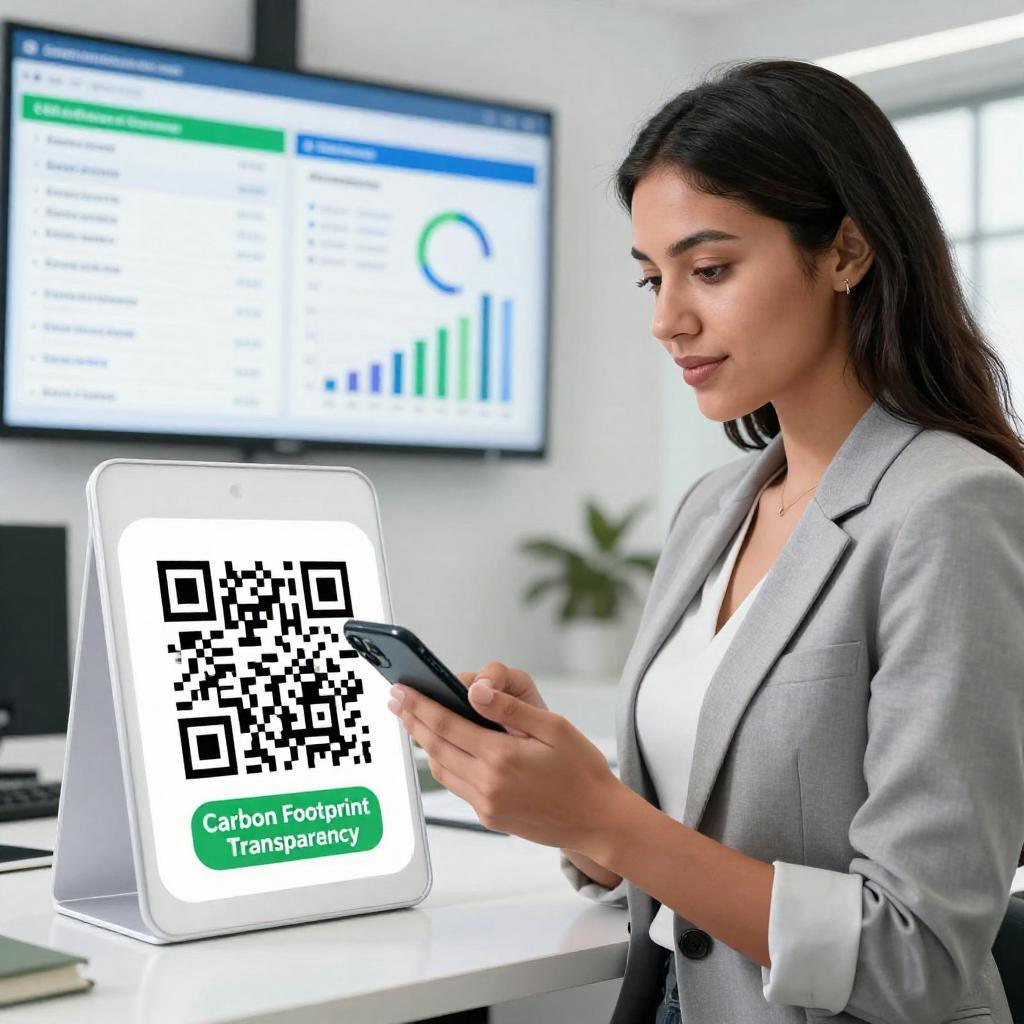
Once your QR foundation is solid, extend it beyond the equipment room. Modern marketing strategies also benefit: meeting room signs can resolve to live schedules; printers and conference gear can open self-service guides; loaner devices can link to short videos that reduce help desk load. For customer-facing spaces, QR codes can bridge product demos and feedback forms, joining operational excellence with lightweight engagement that’s measurable and on-brand.
Measuring ROI and Scaling Across Sites
Expect tangible wins within one quarter: 20–40% faster audits, fewer misplaced assets, and cleaner depreciation schedules. As adoption grows, standardize labels, naming conventions, and workflows across offices; centralize analytics to compare locations; and iterate on scans-per-asset, service turnaround, and stockout rates. The takeaway: QR codes, anchored to open standards and integrated with your systems, are practical digital transformation tools—simple to launch, scalable to govern, and versatile enough to enhance both operations and experience.