QR Codes for LinkedIn Networking and Brand Awareness
QR codes aren’t just for restaurant menus—they’re a fast, mobile-first bridge between offline moments and your LinkedIn presence. For professionals and brands embracing modern marketing strategies, QR codes in business remove friction from networking, speed up follow-ups, and turn in-person encounters into measurable digital touchpoints. As LinkedIn features evolve, the platform’s own support for QR experiences has matured, underscored by LinkedIn’s announcement introducing QR codes to streamline profile discovery and connections.
Why QR Codes Belong in Your LinkedIn Strategy
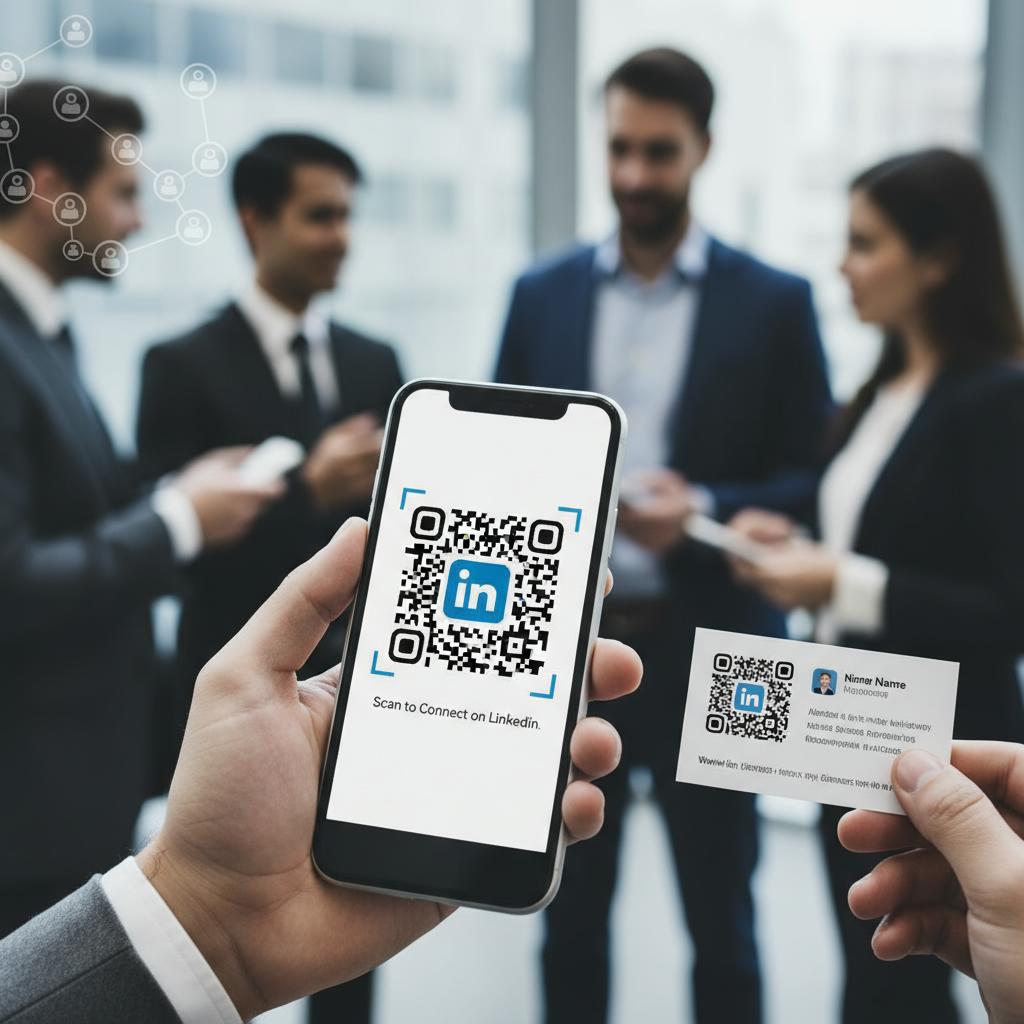
Every extra tap between meeting someone and connecting on LinkedIn increases the chance of a lost opportunity. QR codes solve that by taking people directly to a profile or company page, making them effective digital transformation tools for busy events, sales calls, and recruiting. If you’re new to setup or want a quick refresher, the LinkedIn Help Center instructions for finding and sharing your QR code walk you through where to access, display, and share your code within the app.
Beyond simple connection, QR codes elevate brand awareness by creating visual consistency across business cards, signage, packaging, and presentations. When paired with a clear call to action (e.g., “Connect on LinkedIn for insights” or “Follow for product updates”), they nudge audiences to take the next step. For practical tactics—placement, sizing, and CTA ideas—review Hootsuite’s guide to using LinkedIn QR codes for networking to align creative with real-world scanning behavior.
Practical Ways to Use LinkedIn QR Codes
Events and Conferences
Place your LinkedIn QR code on event badges, speaker slides, booth backdrops, and session handouts to convert momentary interest into enduring connections. Keep the code high-contrast, add a scannable frame, and include a benefit-driven caption (“Get the slides,” “See case studies,” “Join our community”) to increase scan-through rates. This turns fleeting conversations into a persistent relationship channel you control.
Sales Collateral and Business Cards
Modern marketing strategies thrive on fast follow-up. Add a LinkedIn QR code to business cards, one-pagers, and product sheets so prospects can connect while your value is still top-of-mind. For teams, standardize the layout across reps to reinforce brand consistency and test whether linking to a personal profile, a showcase page, or your company page drives better outcomes for your sales cycle.
Out-of-Home and Retail Moments
Storefronts, pop-up booths, packaging inserts, and even receipts can carry QR codes that point to a LinkedIn company page for credibility and ongoing engagement. Use short, human-readable URLs as a fallback and ensure the landing destination matches the context (e.g., a hiring-focused page for a recruitment booth). Treat your code like a micro CTA—clear, specific, and valuable.
Measurement, Governance, and Optimization
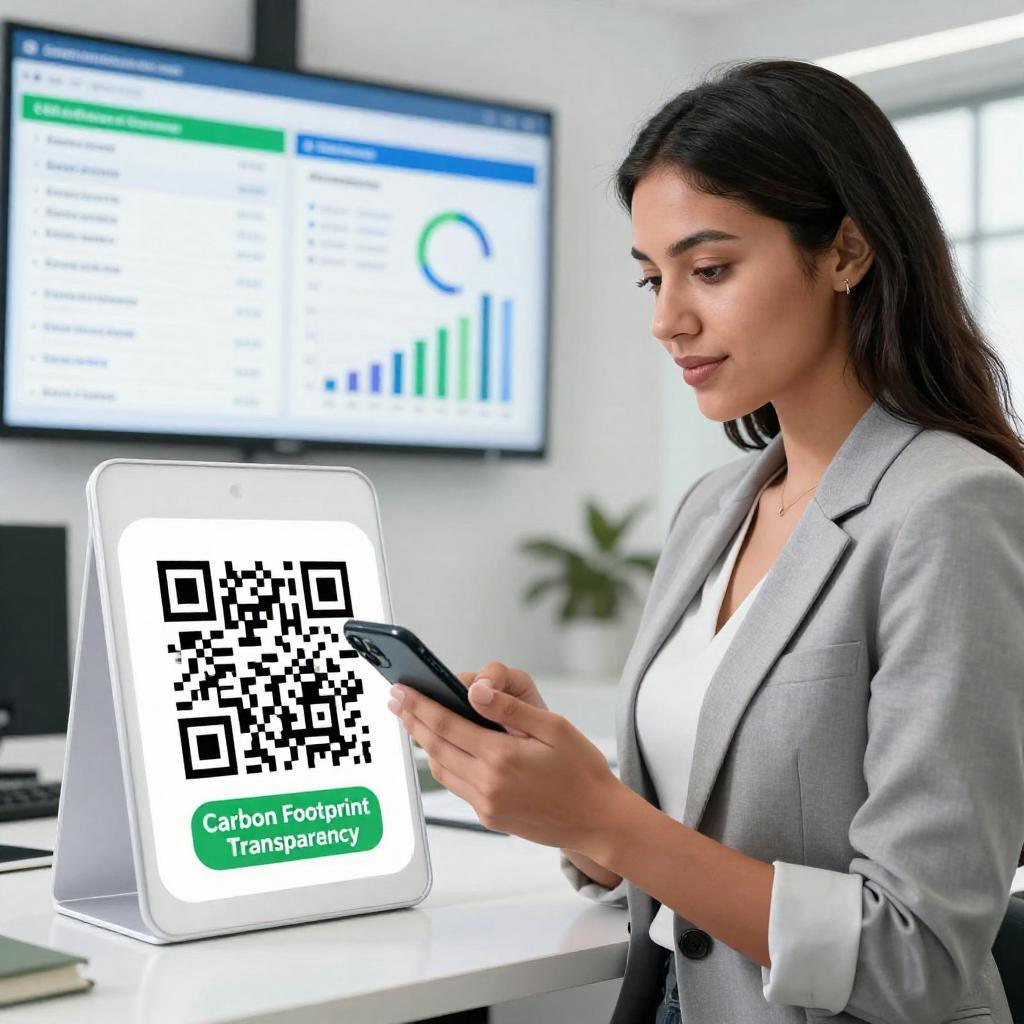
Treat QR-enabled networking as a measurable funnel. Track scans, profile views, connect/acceptance rate, follower growth, and downstream actions like demo requests. Use UTM parameters and standardized QR templates so you can compare performance across events, collateral, and locations. To operationalize this within your martech stack, align with the analytics guidance in Hootsuite’s guide and explore HubSpot’s LinkedIn QR code best practices and measurement tips to connect scans to pipeline metrics.
Conclusion
QR codes in business have matured from novelty to necessity, especially on LinkedIn where professional identity and brand credibility converge. By embedding scannable entry points across events, sales materials, and real-world touchpoints—and by measuring outcomes with discipline—you transform quick conversations into lasting relationships. Start simple, iterate based on data, and make QR codes a small but mighty pillar of your digital transformation tools and modern marketing strategies.