How to Use QR Codes to Promote Social Media Profiles
Why QR codes belong in modern marketing strategies
QR codes have become one of the most practical modern marketing strategies because they remove friction between discovery and action. For brands pursuing digital transformation tools, QR codes in business bridge offline-to-online moments—turning a poster, package, or business card into a direct path to your social profiles. With one scan, prospects can follow, subscribe, or message without typing or searching.
Beyond convenience, QR codes let you guide audiences to the exact destination that advances your funnel—whether that’s your Instagram profile, TikTok account, or an event-specific LinkedIn landing page. They’re trackable, brandable, and versatile, making them a low-cost, high-leverage addition to omnichannel campaigns and a natural complement to your wider digital transformation roadmap.
Platform-specific ways to drive followers
Instagram: make your profile scannable
Instagram provides a built-in profile QR that you can customize and share across print and digital touchpoints. In the Instagram app, go to your profile and use Share profile to access your code; you can change styles and download it for campaigns. For the official steps and options, see the Instagram Help Center guide to customizing your profile QR code: Find and customize the QR code of your Instagram profile. To show customers how to scan and follow you quickly in-store or at events, you can also reference Instagram’s instructions for scanning a profile QR code: Scan a QR code to find someone’s profile on Instagram.
TikTok: leverage built-in TikCode
TikTok’s My QR code (often called a TikCode) is ideal for creator-led promotions and retail signage. In the app, open your Profile, tap the menu, and select My QR code to display, download, and share. This works well on packaging, pop-up displays, and creator merch to convert attention into follows. For official instructions, consult TikTok Support’s guidance on sharing: How to share your profile and use My QR code on TikTok.
LinkedIn: speed up networking at events
At conferences and sales meetings, QR codes help professionals connect instantly on LinkedIn, reinforcing QR codes in business contexts. In the LinkedIn mobile app, tap into Search and use the small QR icon to reveal My code for quick sharing; the other person can scan to connect on the spot. Add the same QR to your slide decks, speaker bios, and event badges to reduce missed connections and shorten the follow-up cycle.
QR code deployment ideas that actually convert
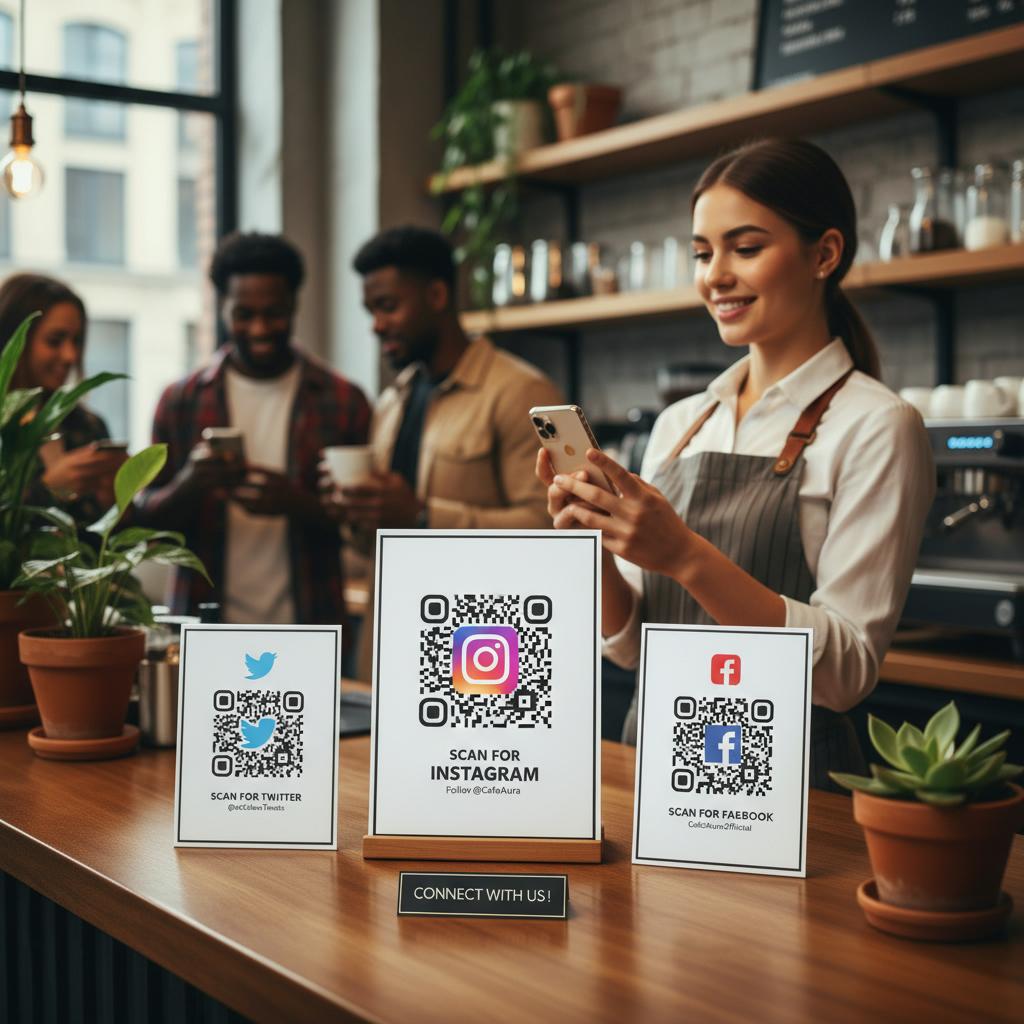
Place social-profile QR codes where intent is highest: storefront windows, point-of-sale counters, packaging inserts, conference booths, email signatures, webinar slides, and direct-mail cards. Pair each QR with a clear call to action (e.g., “Follow us on Instagram for exclusive product drops”) and a benefit. Keep branding consistent across destinations so the post-scan experience matches the promise. For multi-profile promotion, use a link-in-bio page and one QR to route visitors to their preferred platform.
Measurement, security, and accessibility
Tie QR scans to outcomes with UTM parameters, unique QR variants per channel, and dynamic QR codes that let you change destinations without reprinting. Monitor metrics like scan-to-follow rate, assisted conversions, and time-on-profile to optimize placements. Ensure accessibility and trust: use high-contrast codes, adequate quiet zones, short scan distances, and alt text or captions online; avoid placing codes on highly reflective surfaces; and steer clear of URL shorteners you don’t control. Always preview the destination on mobile to confirm load speed and alignment with your modern marketing strategies.
Conclusion
When treated as strategic digital transformation tools—not just static images—QR codes turn everyday touchpoints into growth engines for your social presence. Start with each platform’s native QR features, design clear CTAs, measure rigorously, and keep the post-scan experience focused and fast. Do that consistently, and a simple square can become one of your most reliable levers for acquiring and nurturing followers across the channels that matter most.