Augmented Reality (AR) QR Codes: Beyond the Link to Interactive 3D Experiences
From Scans to Scenes: What AR QR Codes Actually Do
From blue links to immersive product previews
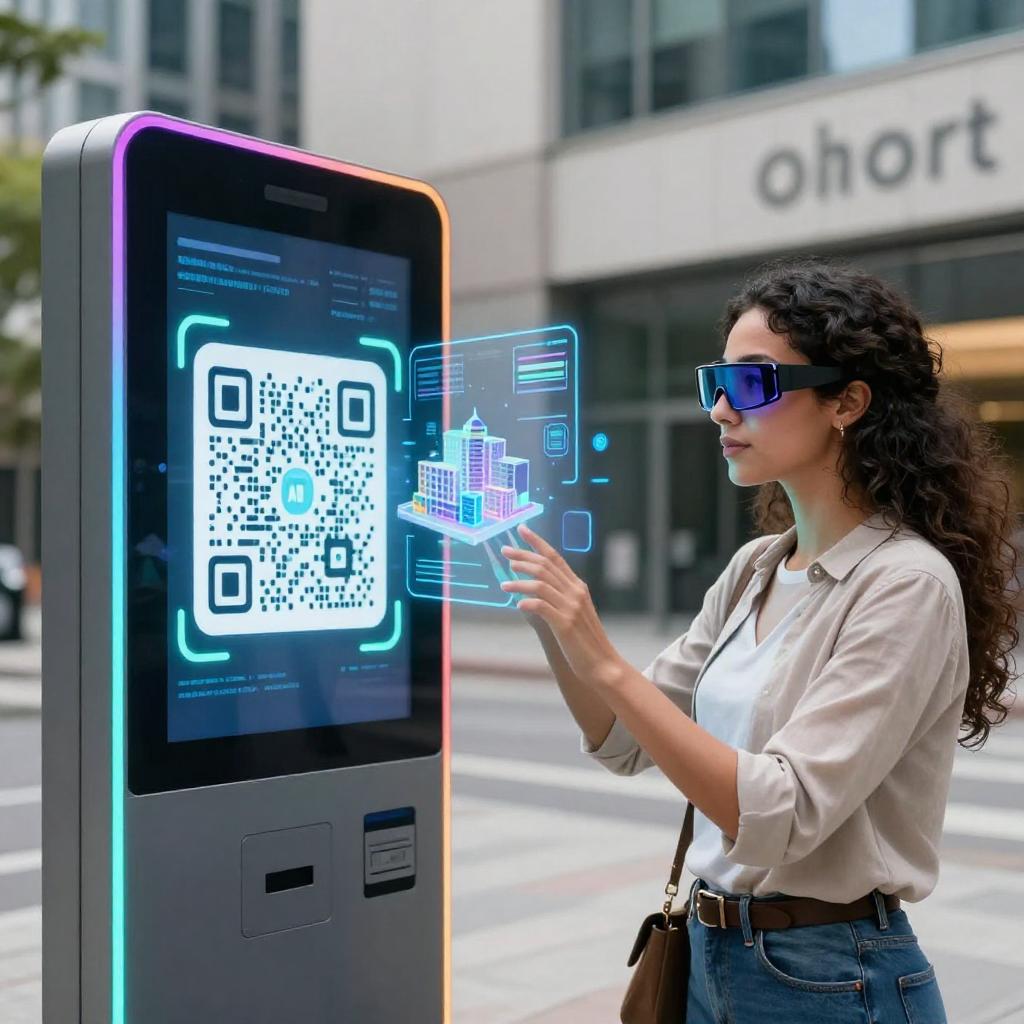
QR codes have evolved from simple web shortcuts into launchpads for interactive 3D and AR, turning any package, poster, or storefront into a portal for exploration. Instead of sending buyers to a static page, AR-enabled QR codes can open life‑size product previews, step‑by‑step overlays, or virtual try‑ons in seconds—an immediate, tactile bridge between the physical world and digital transformation tools that modern marketing strategies increasingly rely on.
Technically, the QR just encodes a URL—but that URL can deep‑link to native AR viewers or WebAR. On iOS, Safari can render USDZ models with Apple’s AR Quick Look documentation, while Android devices can launch glTF/GLB content in AR via Google’s Scene Viewer documentation. The result: a single scan that produces fast, high‑fidelity AR where your customers already are—on their phones.
Business Impact and Modern Marketing Strategy
Conversion and confidence across the buyer journey
For QR codes in business, AR is a force multiplier. Let shoppers visualize a sofa at scale in their living room, see a machine’s footprint on a factory floor, or preview signage in a retail window. This reduces uncertainty, shortens decision cycles, and improves confidence—key outcomes for performance marketers, sales teams, and product leaders alike. Because the experience is visual, contextual, and immediate, it fits naturally into modern marketing strategies from top‑of‑funnel engagement to bottom‑funnel conversion.
Frictionless cross‑platform delivery
The best AR QR rollouts minimize friction. Use a single code that routes users to a device‑aware landing URL: iOS opens Quick Look; Android triggers Scene Viewer; unsupported devices get a 3D viewer fallback. Web components like the model‑viewer web component AR guide simplify this logic, enabling progressive enhancement so every scan delivers value—even if full AR isn’t available.
Implementation Blueprint
Files, viewers, and links that just work
Start with a content pipeline built for AR: GLB/glTF for Android and the open web, USDZ for iOS. Host models on fast CDNs, compress textures aggressively, and keep file sizes lean for mobile networks. Configure deep links with HTTPS and immutable URLs for reliability. Then generate QR codes that point to a router page capable of detecting device, directing to Quick Look or Scene Viewer as needed, and offering a 3D viewer as a fallback. This makes your AR experience robust, not brittle.
Analytics, privacy, and performance
Treat AR scans like any other high‑value digital touchpoint. Append UTM parameters to measure campaign performance; fire engagement events for model load, AR enter/exit, and calls to action; and respect privacy with transparent consent flows. Optimize model loading with lazy textures, carefully tuned lighting, and low‑poly geometry that still looks premium. Accessibility matters too: provide descriptive labels, clear instructions, and non‑AR alternatives to ensure inclusive experiences.
Use Cases and ROI
Packaging, retail, events, and beyond
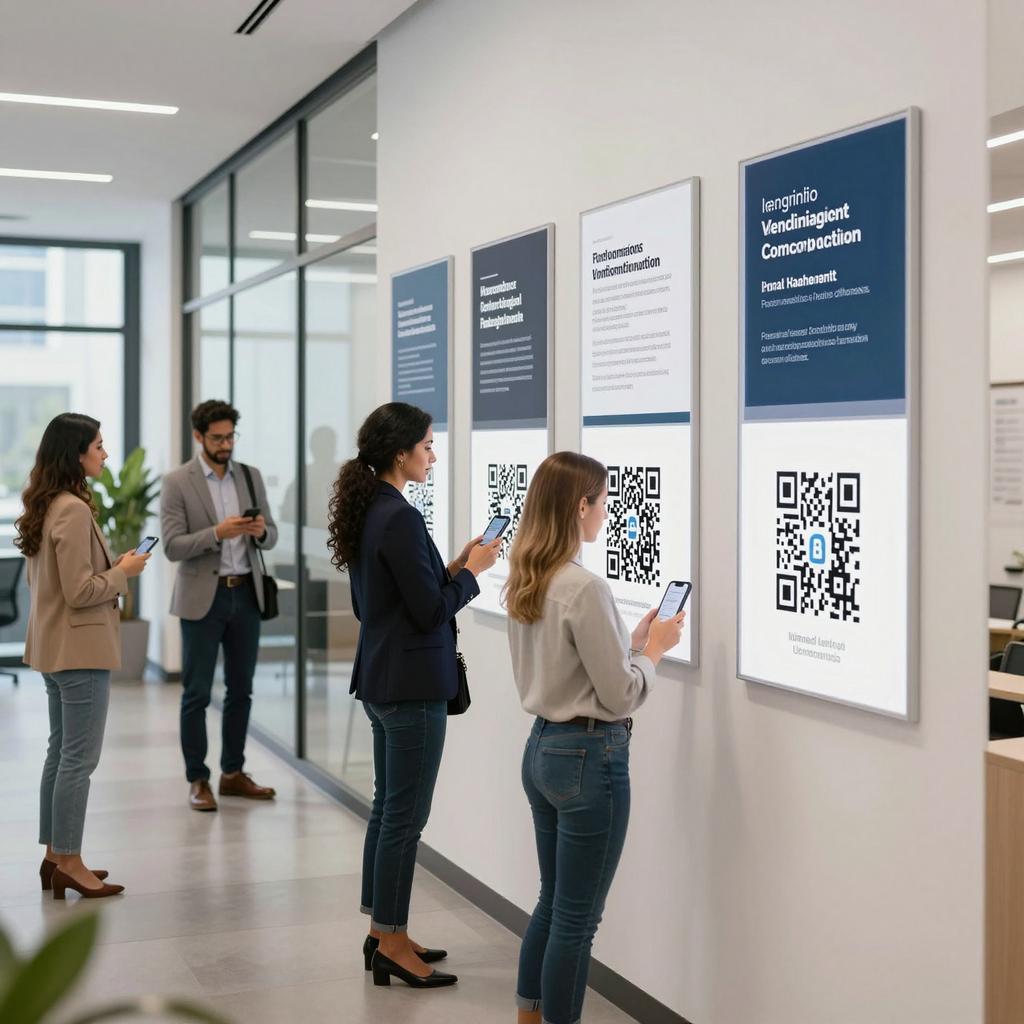
AR QR codes shine wherever context matters. On packaging, they unlock assembly guides or cross‑sell accessories; in retail, they preview finishes and sizes in situ; at events, they turn booth graphics into demos and data capture; in B2B, they visualize equipment layouts or training overlays. Because you can iterate models and content behind a stable QR, AR becomes a living asset in your digital transformation toolkit—improving ROI over time without reprinting materials.
What’s Next
Web‑native AR and open standards
The future of AR QR codes is increasingly web‑native, with standards like the MDN WebXR Device API documentation enabling richer, more consistent AR directly in the browser. For businesses, the takeaway is clear: move beyond linking to pages and start launching interactive 3D experiences that inform, persuade, and delight. If you pilot one initiative this quarter, make it an AR QR journey—from physical touchpoint to immersive insight—in service of faster decisions, higher confidence, and scalable modern marketing strategies.