How to Use QR Codes on Office Signage and Meeting Rooms
Why QR codes belong on office signage and meeting rooms
QR codes in business have matured from a marketing novelty into practical digital transformation tools that simplify everyday office workflows. On wall-mounted signs, door placards, and lobby displays, a small code can bridge the gap between physical spaces and the apps employees use to reserve rooms, check in, and get context. The payoff is faster decisions, fewer bottlenecks outside meeting rooms, and a more consistent employee experience—all aligned with modern marketing strategies applied to internal communications.
Reduce friction in booking and wayfinding
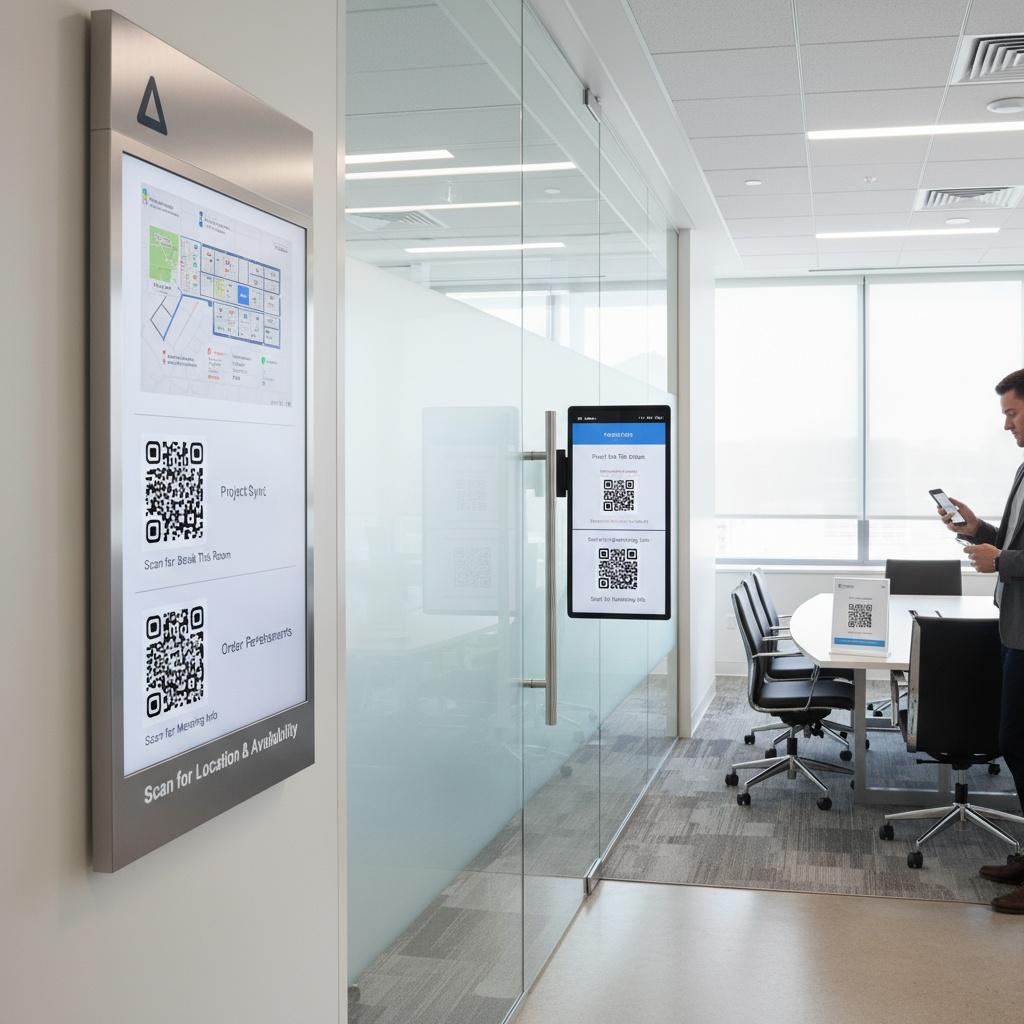
Room booking often fails at the last mile: people see an available space but don’t have an easy way to act. A well-placed QR code lets anyone scan, confirm availability, reserve, or locate the next-best room without hunting for a kiosk or opening a laptop. This reduces hallway congestion, lowers no-shows through quick check-ins, and shortens time-to-meeting by moving actions to the devices employees already carry.
Extend analog signs with digital context
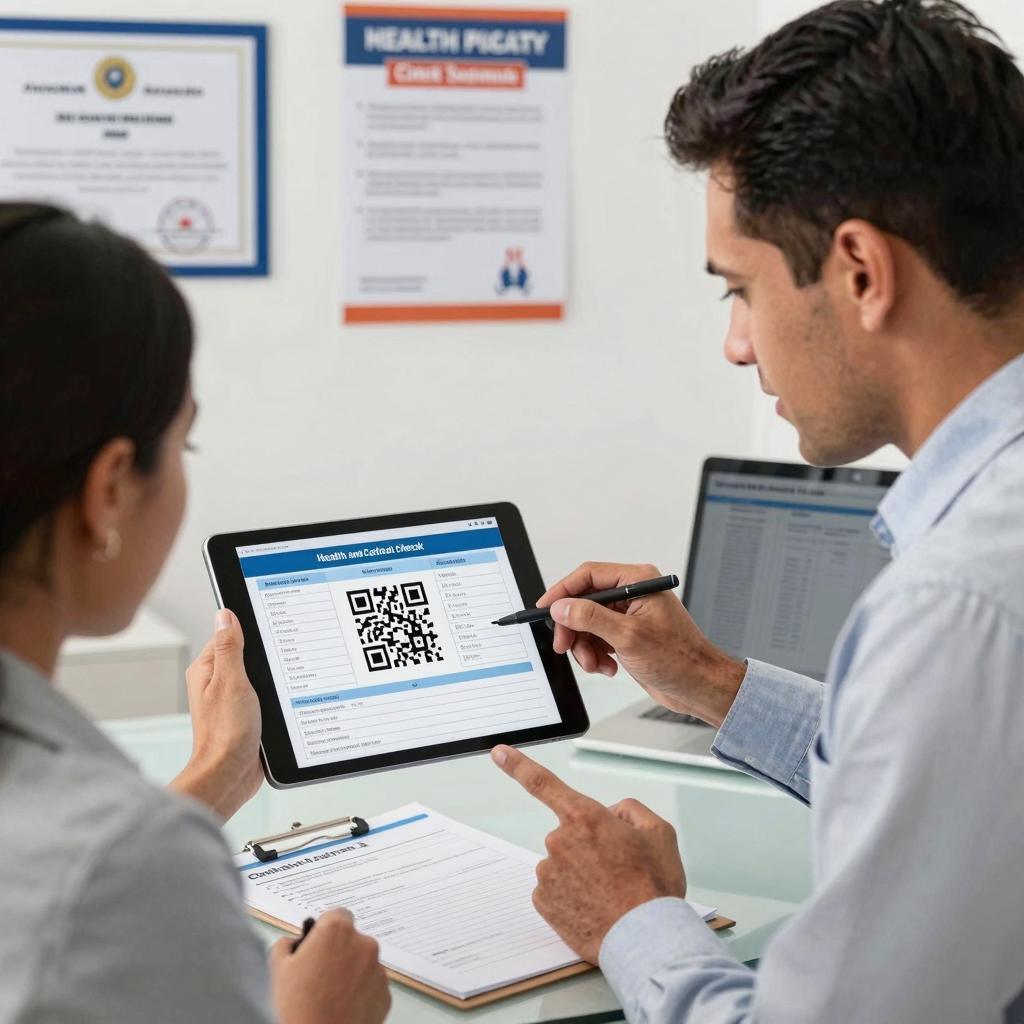
Static signs can’t keep pace with dynamic workplace needs. By adding QR codes, you can expose live agendas, service requests, accessibility information, or health and safety updates on demand. For example, ePaper workspace displays with QR-enabled booking integrate calendars and provide low-power, always-on signage that supports contactless interactions; see solutions such as ePaper workspace displays with QR-enabled booking for inspiration.
Practical implementations that work
Room booking and check-in from the sign
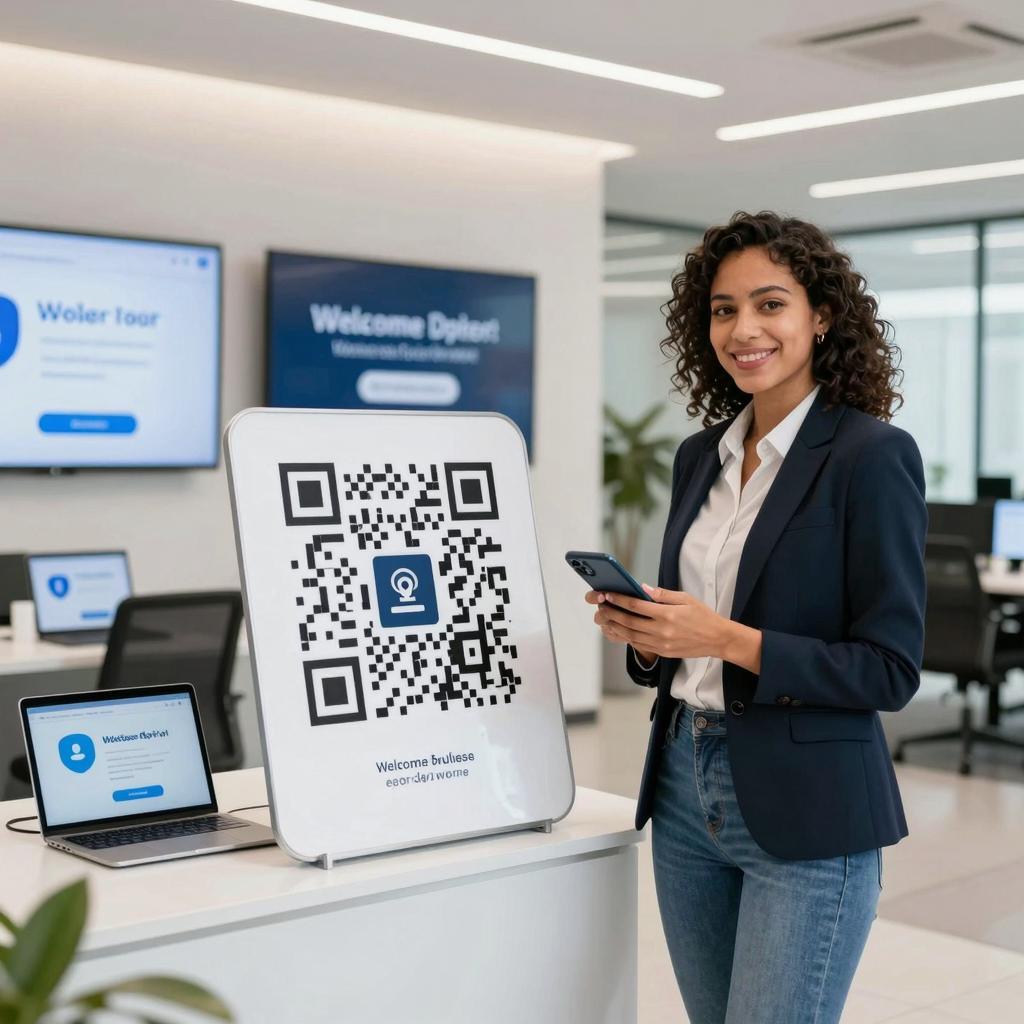
Place a QR code on each room sign that routes to a mobile-friendly reservation page. Users scan, authenticate, and confirm or release a booking in seconds. Many platforms support this pattern natively—look for options like QR-enabled meeting room booking screens that handle instant reservations, occupancy visibility, and policy enforcement (e.g., auto-cancel if no check-in).
Shareable calendars and visitor instructions
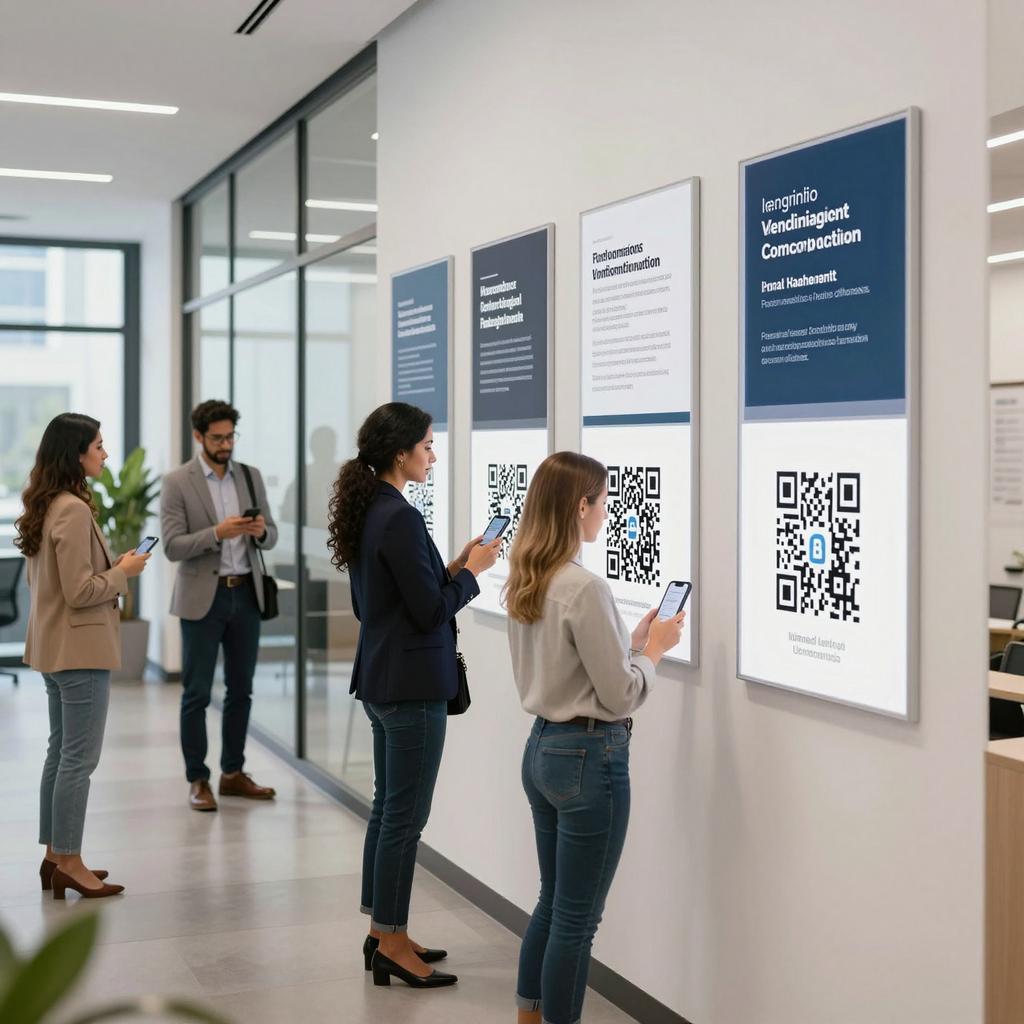
QR codes aren’t just for employees. Visitors can scan a foyer sign to access a host’s calendar window, Wi-Fi instructions, or wayfinding details. You can generate scannable links that route to scheduling pages and reuse them across print and digital assets; see guidance on how to create shareable scheduling links and QR codes for contactless booking and distribution.
Hardware and platform considerations
Choose signage that fits the space and maintenance model. E-ink panels excel for low power and readability; tablets provide richer interactivity. Ensure support for your calendaring stack and mobile identity flows. For example, a Google Workspace meeting room device with QR reservations can streamline bookings tied to Google Calendar while keeping the sign simple and secure.
Governance, analytics, and security
Treat QR codes as productized entry points. Use branded short links with UTM parameters to track scans by location and time, rotate targets behind a stable QR, and restrict access with SSO. Apply QR hygiene: HTTPS-only destinations, readable domains, and minimal personally identifiable information embedded in URLs. Post clear labels (e.g., “Reserve this room”) near the code, test legibility at 6–8 feet, and audit frequently to avoid stale links or misplaced signage.
Your next step
Start with a pilot on high-traffic rooms: define the desired action, map the user flow, and measure time-to-book, check-in rates, and utilization before scaling. When implemented with thoughtful design and governance, QR codes turn walls into interactive touchpoints—small upgrades that deliver outsized gains in efficiency, data visibility, and employee experience.