Using QR Codes for Digital Business Cards in Networking
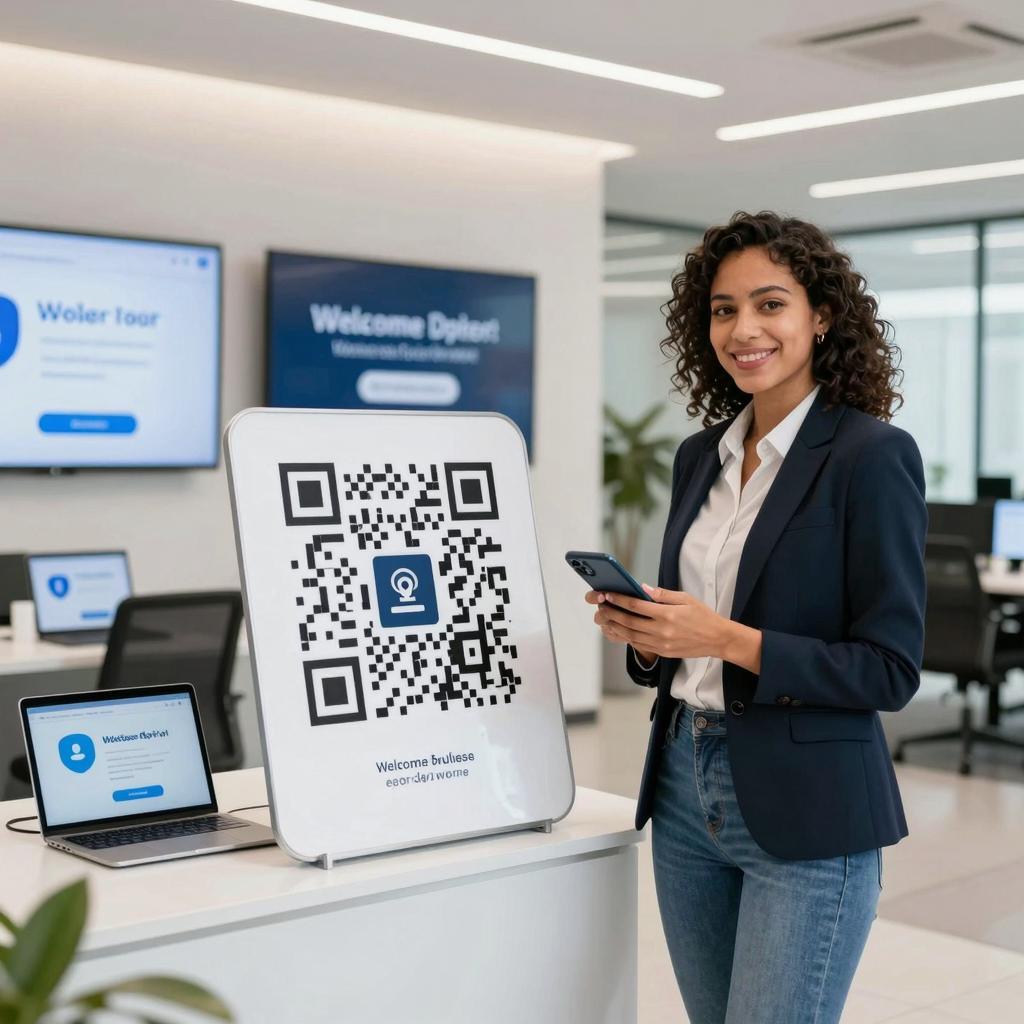
The best icebreaker in a crowded room is a seamless handoff from offline to online. Digital business cards powered by QR codes in business deliver that handoff: instant, contactless sharing that routes a new connection directly to a curated profile, landing page, or vCard. As digital transformation tools, they compress the time between a handshake and a follow-up, while aligning with modern marketing strategies that prize personalization, speed, and measurable outcomes.
Why QR‑coded digital business cards matter
Traditional cards get lost; QR‑enabled cards get scanned, saved, and acted on. They reduce print waste, keep information perpetually up to date, and create a data trail you can measure. More importantly, they respect how professionals actually connect today—through mobile-first moments. For context on adoption and behavior shifts, see Harvard Business Review on the rise of digital business cards, which highlights the role of QR codes in hybrid networking environments.
From static to dynamic QR codes
Static QR codes embed fixed data (like a vCard), while dynamic QR codes point to a short URL you can update later—ideal for changing roles, campaigns, or seasonal offers. Dynamic codes also support device-aware routing, UTM tagging, and A/B tests to optimize conversion. It all rests on robust standards: the technology’s foundations and capabilities are detailed in the official QR Code specification from Denso Wave, the original inventor of QR codes.
UX principles that boost scans
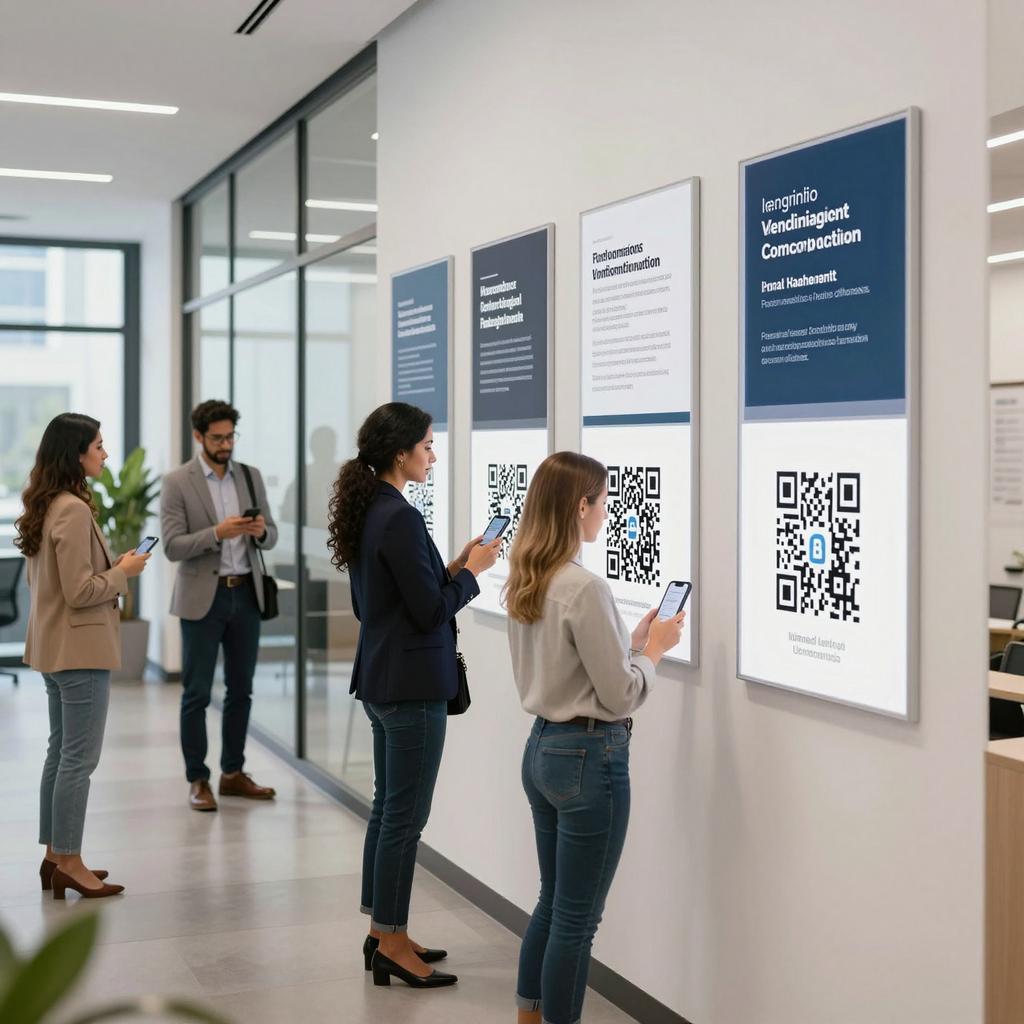
More scans come from better usability. Use high contrast (dark code on light background), a quiet zone (4 modules minimum), and a minimum printed size of about 2 cm/0.8 in for typical smartphone cameras. Keep error correction at levels that balance resilience and density (often M or Q), and place the code where it’s easy to frame, with a clear call to action. Provide a short URL fallback for accessibility. For deeper research-backed tactics, consult Nielsen Norman Group’s QR code usability guidelines.
Implementation playbook
Start by defining the destination (profile page, vCard, calendar link, or link-in-bio hub). Generate a dynamic code, brand it thoughtfully (logo in center, preserved quiet zone), and tag your links for analytics. Test on multiple devices and under real lighting. Align your CRM to capture source and campaign, and create a post-scan automation (e.g., send a connection email or prompt to book time). For technical guardrails and compatibility across scanners, refer to GS1 guidance on QR code standards.
Data, privacy, and trust
Responsible data practices win long-term relationships. Use HTTPS, avoid embedding sensitive data in the code itself, and be transparent about what happens after a scan. Ask for consent before adding contacts to sequences, provide value at the destination (e.g., a helpful resource), and honor regional regulations. Clear expectations and visible privacy cues reduce friction while strengthening brand trust.
Integrations and modern marketing strategies
QR‑powered cards shine when integrated with CRM and marketing automation: trigger welcome workflows, enrich profiles, segment by event or campaign, and measure offline-to-online ROI. Pair them with modern marketing strategies—personalized follow-ups, retargeting audiences, and content tailored to the networking context. In this way, QR codes act as pragmatic digital transformation tools that turn spontaneous interactions into thoughtfully orchestrated journeys.
Conclusion
Digital business cards with QR codes deliver a smarter first impression—and the analytics to continuously improve it. Choose dynamic codes, follow UX best practices, respect privacy, and integrate with your stack to convert fleeting moments into lasting relationships. Treat the QR not as a gadget, but as a bridge: a small square that connects real-world conversations to measurable, modern marketing outcomes.