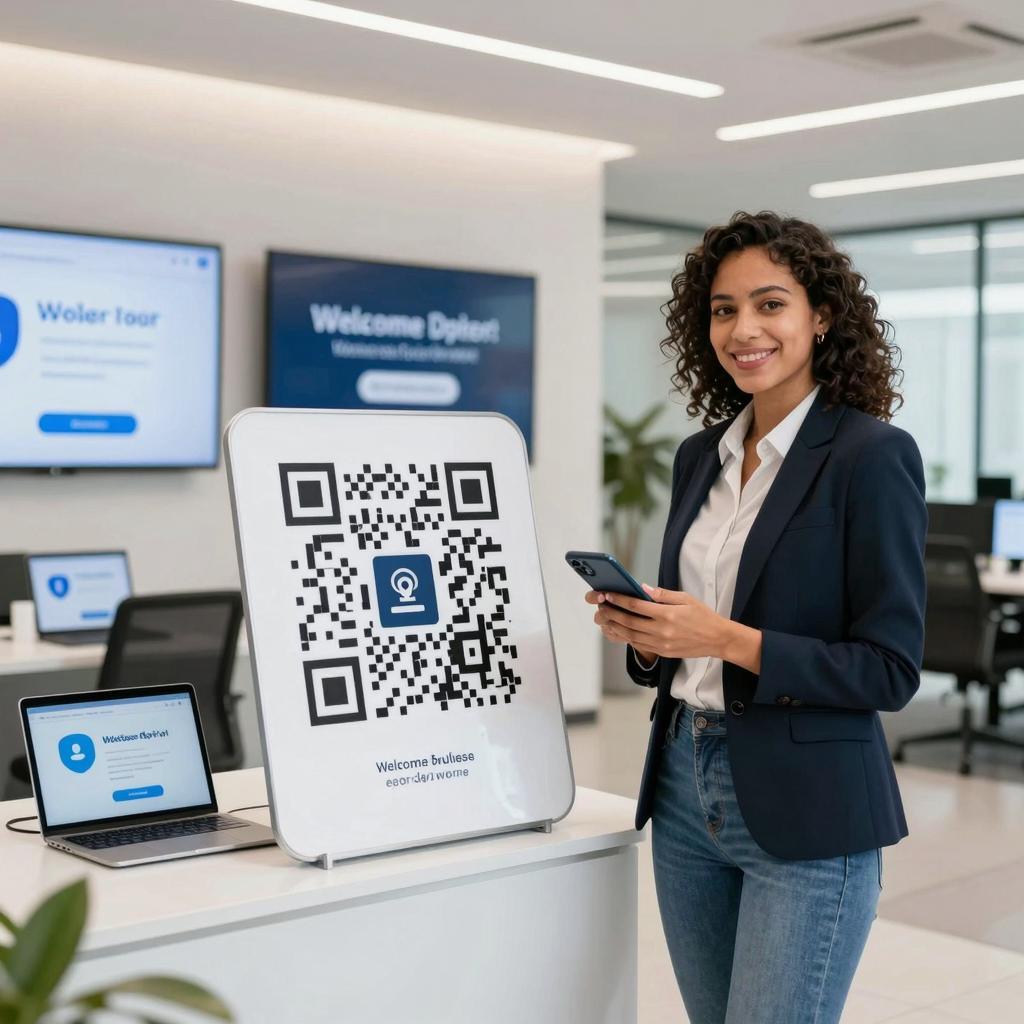
Voice-Activated QR Code Scanning: Hands-Free Interaction for Accessibility
Why voice-activated QR scanning matters
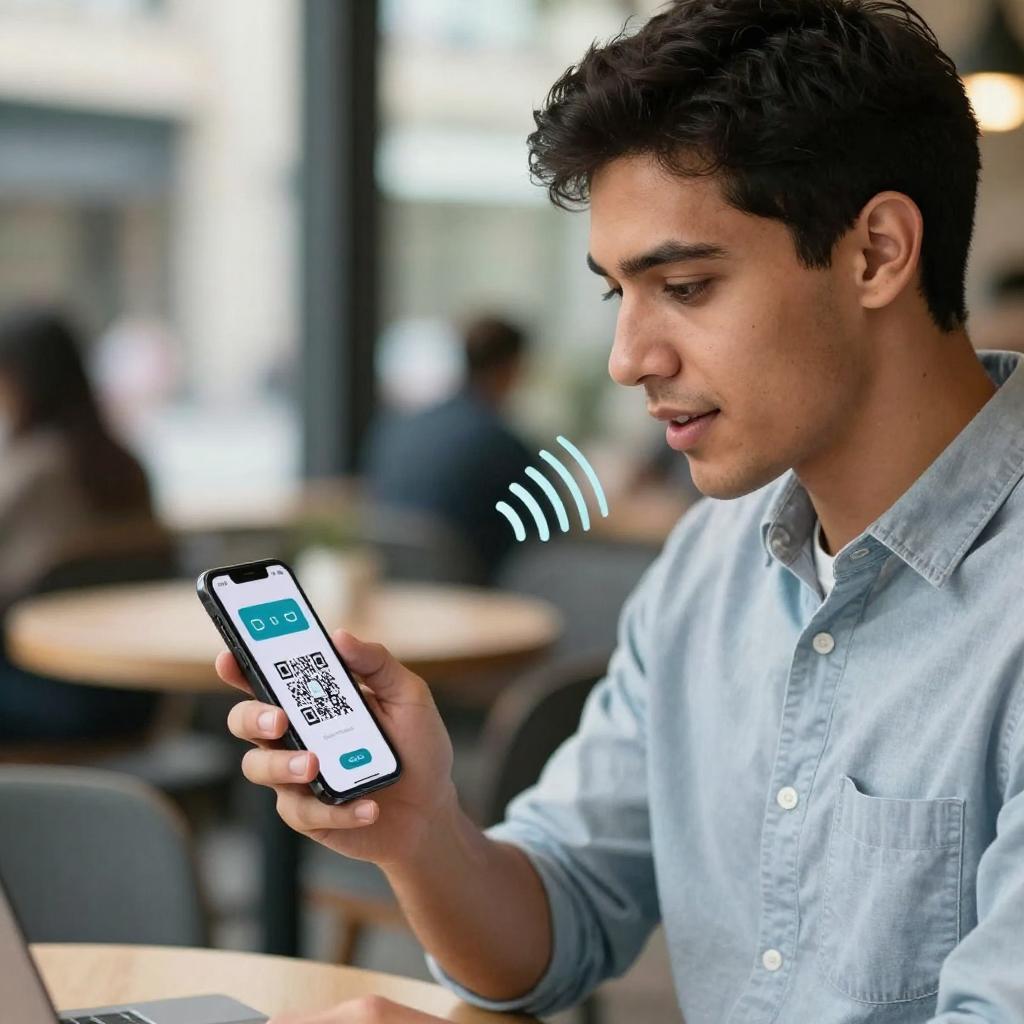
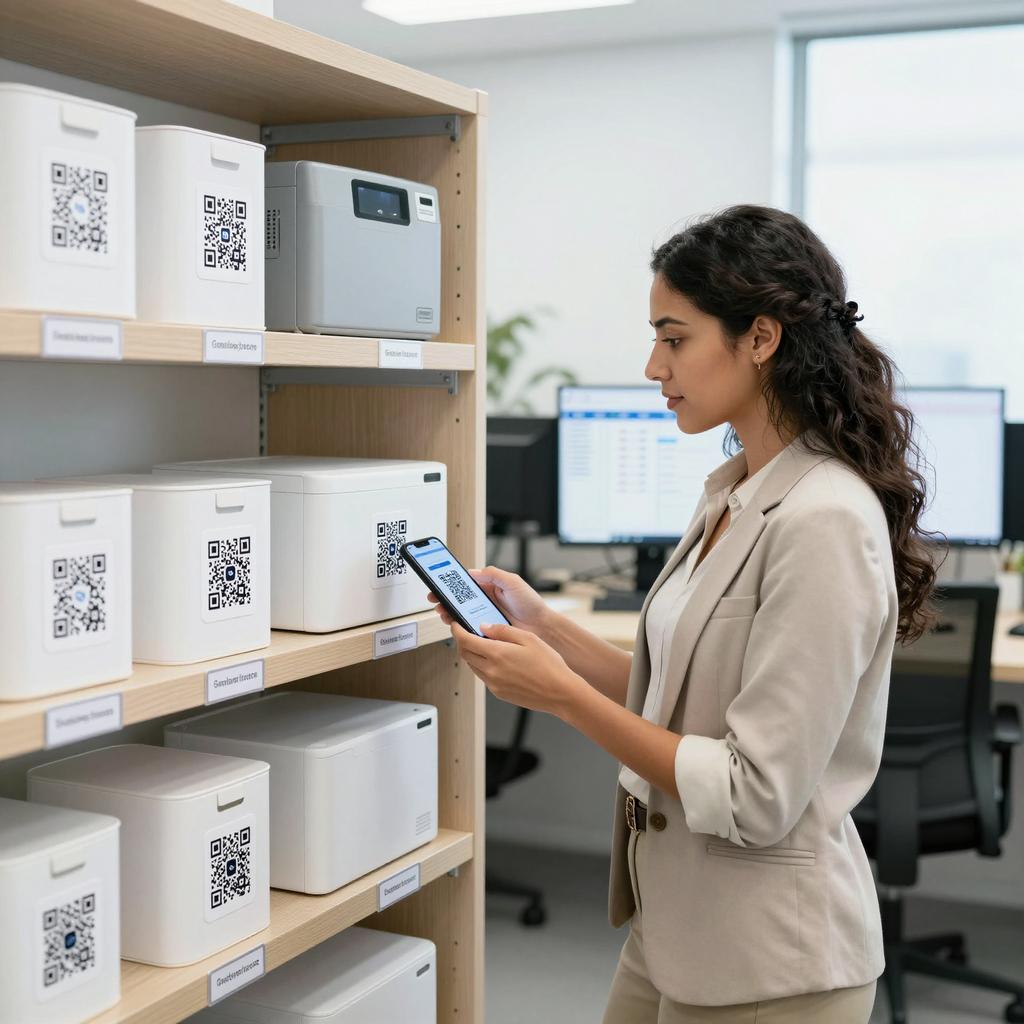
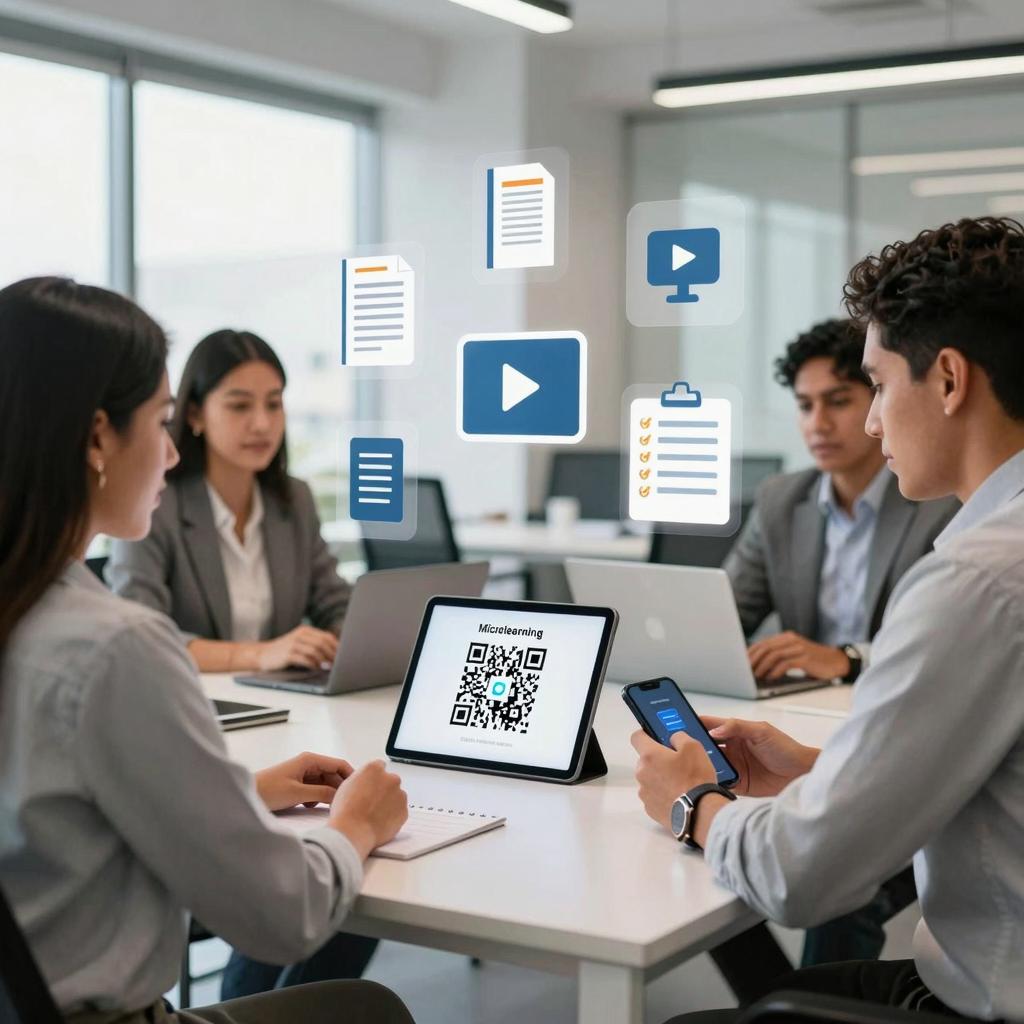
Voice-activated QR code scanning is emerging as a subtle but powerful shift in how people interact with physical and digital touchpoints. For organizations leaning into QR codes in business, this capability extends the reach of digital transformation tools by making routine actions—like checking in, accessing product data, or launching a mobile workflow—faster, safer, and more inclusive. It’s also a natural fit with modern marketing strategies that prioritize frictionless experiences across channels.
The accessibility dividend
Hands-free interaction isn’t just a convenience; it’s an accessibility cornerstone. Voice-driven scanning supports people with motor or visual impairments, and it helps anyone who can’t easily use their hands—think gloved technicians, frontline staff, or shoppers carrying items. On iPhone and iPad, Voice Control overlays numbered or named targets so users can say what they want to tap, reducing error and effort. For a deeper look at the commands that make this possible, see Apple’s Voice Control commands overview.
Safety and workflow efficiency
Contactless, voice-first interactions cut down on shared-surface touch, streamline customer flow, and speed up repeatable tasks. In field operations and retail, hands-free scanning can shave seconds off each interaction and minimize distractions—an operational win that compounds over thousands of scans. That makes voice-activated QR not only a better user experience but also a measurable contributor to efficiency and ROI.
How voice-activated scanning works on today’s devices
Most modern smartphones support QR scanning directly in the native camera or a built-in Code Scanner. On iOS, users can open the scanner via voice and activate the on-screen prompt without touching the display. If your team or customers are unfamiliar with the native flow, point them to Apple’s official QR code scanning instructions for iPhone and iPad, which explain options via Camera and Control Center.
iPhone and iPad with Voice Control
In practice, a user can say “Open Camera” or “Open Code Scanner,” align the QR within the frame, then say commands like “Show numbers” and “Tap 1” to activate the detected link or action. This sequence eliminates small-target tapping and makes the journey predictable. For additional camera-specific guidance and common variations, consult step-by-step iPhone camera QR guidance.
Android and cross-platform considerations
Android devices typically detect QR codes via the default camera or Google Lens, and many users rely on built-in accessibility services like TalkBack or Voice Access to complete actions hands-free. For organizations rolling out cross-platform experiences, it’s useful to test voice and screen reader flows end-to-end. A practical resource covering both iOS and Android user considerations is Mississippi State University’s tips for accessible QR code use across iOS and Android.
Business impact and implementation roadmap
Design best practices for accessible QR journeys
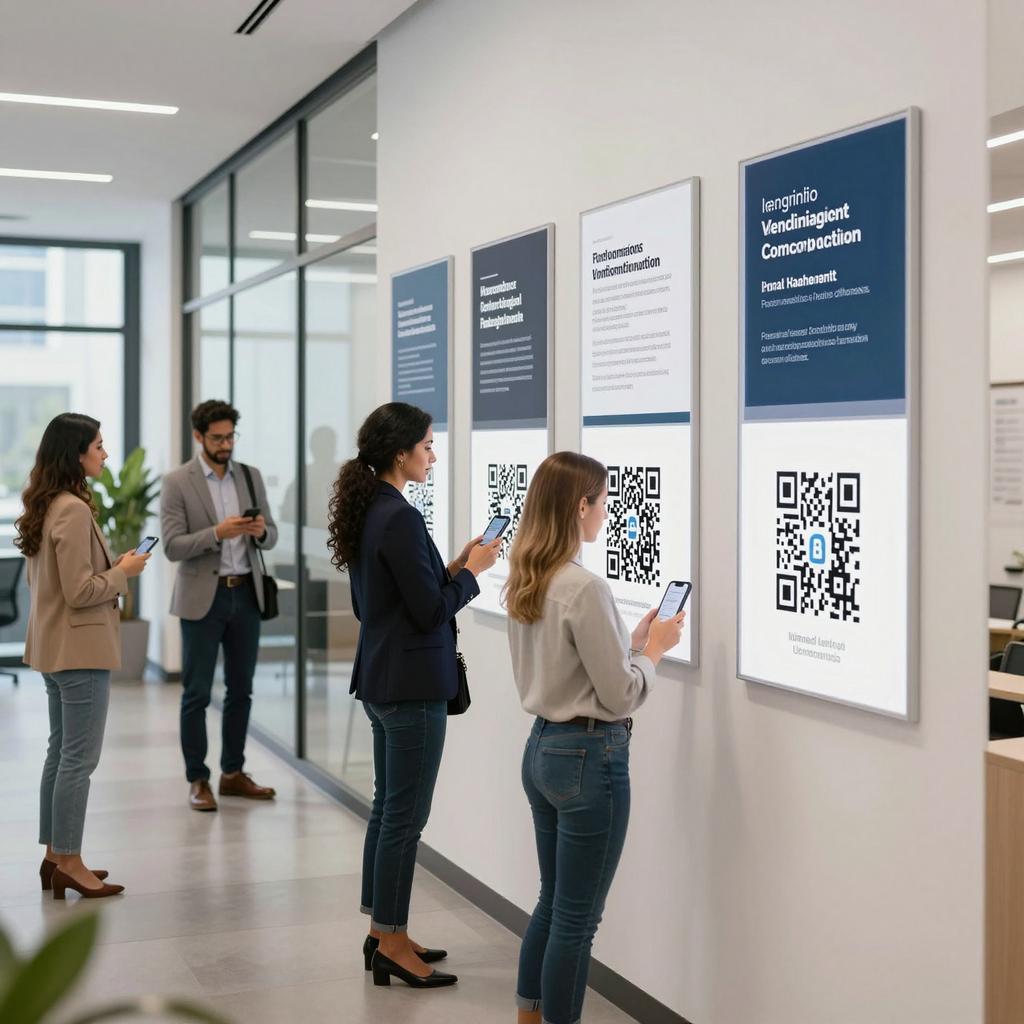
To translate hands-free scanning into business value, design the full journey: ensure QR size and contrast are sufficient at typical viewing distances, maintain a quiet zone around the code, and place it where glare and shadows are minimal. Pair each code with brief, plain-language instructions (for example, “Say ‘Open Camera,’ align the code, and follow the on-screen prompt”). Use deep links that land users directly on the intended action, and provide alternatives (short URLs, NFC, or human assistance) so no one is blocked. Finally, measure scan-to-action conversion and task completion rates to quantify impact across customer-facing and internal workflows.
A practical, inclusive path forward
Voice-activated QR scanning turns a familiar mobile behavior into an accessible, efficient, and scalable capability. By prioritizing inclusive design and validating flows on both iOS and Android, organizations can elevate QR codes in business from a convenience to a strategic lever—one that aligns with digital transformation tools and modern marketing strategies while delivering real-world accessibility gains. Start small, test with diverse users, and expand wherever hands-free interaction can reduce friction and boost outcomes.